
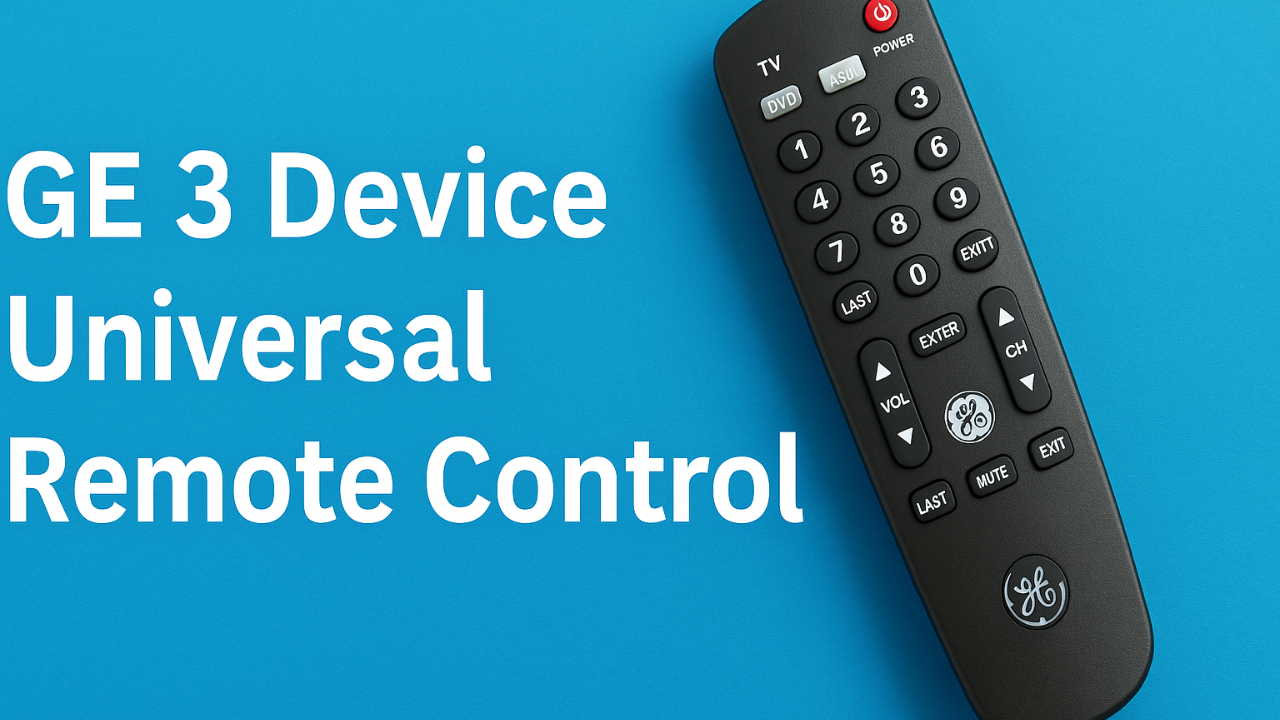
Retro Samsung clamshell phones and flip phones are a thing of the past in today’s tech-driven society. With all of the advancements, many homes continue to find it hard to operate multiple remotes. The GE 3 Device Universal Remote Control is a powerful cure if you’ve been trying to utilize a remote for every device you own.
Besides teaching you all you need to know about this handy gadget, this comprehensive manual will cover setup, features, benefits and drawbacks, and assistance with troubleshooting. To get the most out of your GE 3-device universal remote control, you only need this one guide.
📦 What Is the GE 3-Device Universal Remote Control?
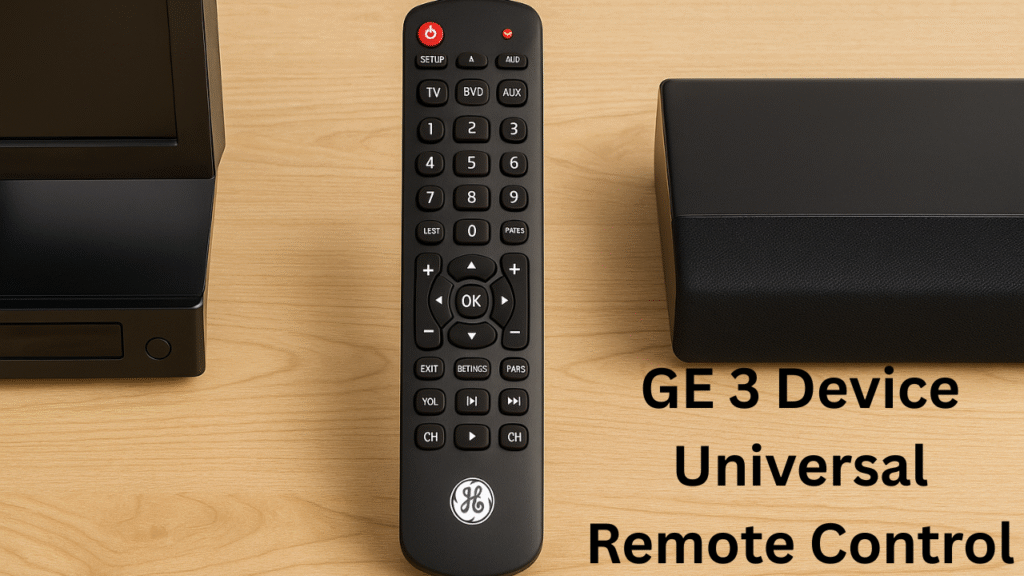
The GE 3 Device Universal Remote Control is designed to simplify your entertainment experience by combining control of up to three devices—like your TV, DVD player, and streaming box—into one sleek remote. It eliminates clutter and confusion from juggling multiple remotes. With clearly labeled buttons and a comfortable grip, it’s easy for anyone to use, even without tech expertise. The remote works with most major brands, ensuring wide compatibility. Whether you’re upgrading your setup or replacing a lost remote, this affordable solution delivers convenience and efficiency right from the first click.
Designed for convenience, the GE 3 device universal remote control can replace up to three different remote controls with a single, stylish, user-friendly gadget. This remote control is a stress-free way to streamline your entertainment center, whether you’re controlling your TV, DVD player, or audio system.
🔧 Core Features:
Controls 3 devices (TV, DVD, Audio)
Wide code compatibility for most major brands
Simple programming (manual and auto)
Ergonomic, durable design
Lightweight and portable
Long-lasting battery life
Unlike older gadgets like vintage Samsung mobile devices, this remote fits seamlessly into modern households while remaining compatible with many legacy devices.
🔄 How Does It Work?
The remote functions using infrared (IR) technology and can be programmed with device-specific codes. These codes act like command keys, allowing the remote to communicate with your electronics effectively. The GE 3 Device Universal Remote Control works by transmitting pre-programmed infrared signals that match your device’s brand and model, allowing you to operate multiple gadgets with a single remote.
There are two methods to program your GE remote:
- Manual Code Entry
- Auto Code Search
Let’s walk through both to understand the GE 3 Device Universal Remote Control.
🔌 How to Program the GE 3-Device Universal Remote Control
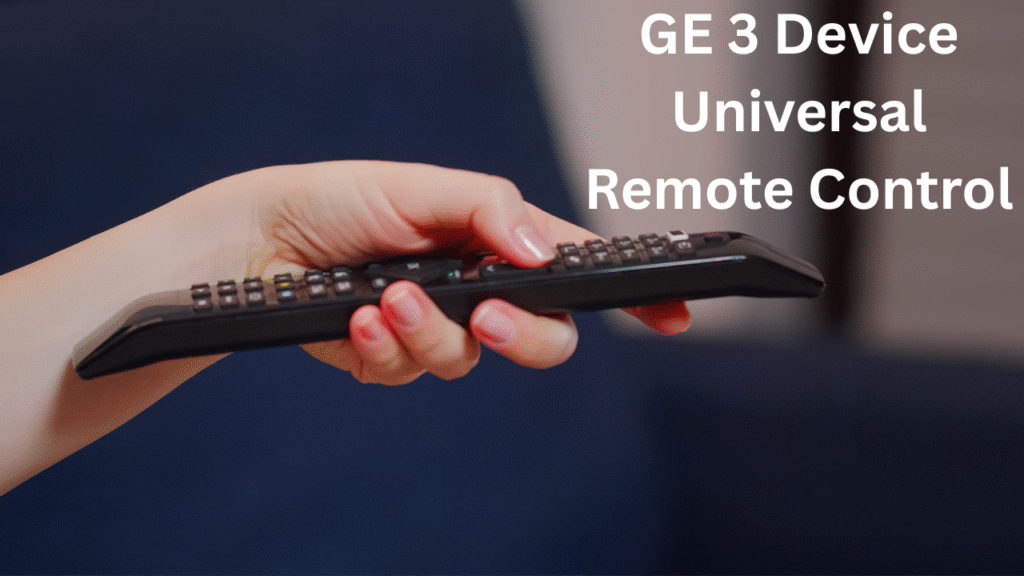
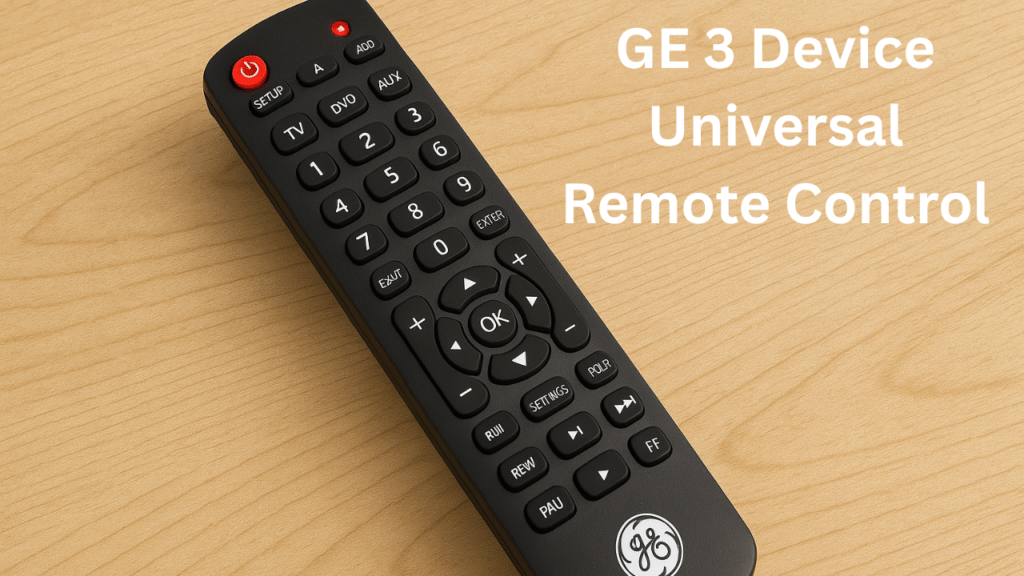
Programming the GE 3 Device Universal Remote Control is straightforward and doesn’t require any tech wizardry. Start by inserting fresh batteries and turning on the device you want to pair. Next, press and hold the “Setup” button until the indicator light stays on. Enter the correct code for your device (found in the manual or online), then test the buttons to confirm it works. If it doesn’t, repeat with another code. Within minutes, you’ll have seamless control over your devices without switching remotes or memorizing complicated steps—a simple fix for modern entertainment chaos.
Programming the GE 3 Device Universal Remote Control is a simple process that involves entering a specific code for your TV, DVD player, or streaming device to ensure smooth and accurate operation.
📝 Manual Setup with Codes
- Turn on the device (TV, DVD, or audio).
- Press and hold the “Setup” button until the red indicator light stays on.
- Press the corresponding device button: TV, DVD, or AUX.
- Enter the 4-digit device code (found in the user manual or on GE’s website).
- The light will turn off.
- Test the remote by pressing the Power or Volume buttons.
🔍 Auto Code Search
- Turn on the device you wish to program.
- Press and hold the “Setup” button until the red light stays steady.
- Press the device type button.
- Repeatedly press the power button until the device turns off.
- Press Enter to save the code.
⚠️ Important: Auto Code Search may take a few minutes, so be patient. Anyway, it’s quite easy to operate the GE 3 Device Universal Remote Control.
✅ Compatible Devices and Brands
One of the biggest advantages of the GE 3 Device Universal Remote Control is its wide compatibility, supporting popular brands like Samsung, LG, Sony, and many others. The GE 3 device universal remote control is compatible with most major brands, including:
- Televisions: Samsung, Sony, LG, Hisense, TCL
- DVD Players: Panasonic, Philips, Toshiba
- Sound Systems: Yamaha, Vizio, Bose
- Streaming Devices: Roku (IR only), Apple TV (with IR), and more
Sadly, RF-only devices like the Roku Stick are not compatible—a limitation that can be frustrating for some.
This is where we draw an interesting parallel: Just as classic Samsung flip phones had limitations (like no app stores), this remote is best for those using infrared-based devices.
⚙️ Troubleshooting Common Issues
If your GE 3 Device Universal Remote Control stops responding, you can troubleshoot by checking the batteries, reprogramming the device codes, or ensuring there are no obstructions between the remote and your device. Even the best tools have hiccups. Here are common problems and solutions:
| Problem | Solution |
|---|---|
| The device turns off but doesn’t respond to buttons | The red light won’t turn on |
| The device turns off but doesn’t respond to buttons | Try another code |
| Ensure no obstructions between the device and the remote. | Replace batteries or clean battery contacts |
| Laggy response | Ensure no obstructions between the device and the remote. |
If you’ve ever dealt with vintage Samsung mobile devices, you know patience is key—same applies here
⭐ Pros and Cons of the GE 3 Device Universal Remote Control
✅ Pros
- Simplifies your setup by replacing 3 remotes
- Extremely affordable (under $15)
- Compatible with most brands
- Lightweight, durable design
- Includes both manual and auto programming options
- Perfect for older TVs and legacy devices
❌ Cons
- No support for RF-only devices (like Roku Stick)
- Doesn’t offer smart-home integration
- Requires manual updates if you change devices
- Some codes may require trial-and-error
Still, for most users, the pros vastly outweigh the cons—especially if you’re looking for a no-frills solution to remote control chaos.
💡 Helpful Tips to Maximize Its Use
- Label each button using stickers or memory
- Store the code list in a safe, easy-to-access location
- Keep extra AAA batteries handy
- Clean the IR sensor area regularly
- Avoid direct sunlight on your devices—it interferes with IR signals
If you’ve ever used a retro Samsung clamshell phone, you’ll remember the simplicity of clear buttons and clean functionality. The GE remote brings back that uncomplicated experience, but with modern flexibility.
🛒 Where to Buy the GE 3 Device Universal Remote Control
Finding the GE 3 Device Universal Remote Control is easy—it’s available both online and in major retail stores. Trusted platforms like Amazon, Walmart, and Best Buy often offer the best prices, bundled discounts, or fast shipping. If you prefer an in-store purchase, you can find it in the electronics aisle of most supermarkets and home improvement chains. Before buying, check product reviews and warranty details to ensure you’re getting an authentic model. Buying from reliable sellers guarantees you receive a genuine product that performs exactly as promised, without compatibility or quality issues.
This remote is widely available both online and in stores. Here are the top places to purchase:
- Amazon—often with discounts and fast shipping
- Walmart—Check both in-store and online availability
- Target—in the electronics aisle
- Best Buy—Great for seeing a demo
- Local hardware/electronics stores
The price usually ranges between $9 and $15, making it an absolute steal for what it offers.
📊 How It Compares to Other Universal Remotes
Compared to other universal remotes, the GE 3 Device Universal Remote Control stands out for its balance of simplicity, affordability, and functionality. While premium remotes boast touchscreens and voice commands, this model keeps things practical—ideal for users who prefer traditional controls. It supports a wide range of brands and devices, unlike some competitors that require extra setup or costly add-ons. The build quality feels sturdy, and battery life is impressive. Overall, it’s a smart middle-ground option for anyone seeking an easy, budget-friendly way to manage their home entertainment system without unnecessary complexity.
| Feature | GE 3 Device Remote | Logitech Harmony | RCA Universal |
|---|---|---|---|
| Price | 💲 Affordable | 💸 Expensive | 💲 Moderate |
| Ease of Setup | ✅ Easy | ⚠️ Complicated | ✅ Easy |
| Smart Home Integration | ❌ No | ✅ Yes | ❌ No |
| Max Devices | 3 | Up to 15 | 4 |
For users who value simplicity over advanced features, the GE 3-
device, the universal remote control, is clearly the most practical choice.
🔁 Throwback: From Classic Flip Phones to Universal Remotes
Remember the days of flip phones and bulky remote controls? Technology has evolved dramatically since then, and the GE 3 Device Universal Remote Control symbolizes that transformation. Back in the early 2000s, users struggled with multiple remotes for every gadget—TVs, VCRs, and sound systems. Now, one sleek device handles it all. This innovation shows how convenience has become a key part of modern tech design. Much like smartphones replaced flip phones, universal remotes replaced clutter. It’s a nostalgic yet exciting reminder of how far home technology has come in just a few years.
There’s also real tech nostalgia. Consider the dependability, physical buttons, and small screens of the first Samsung flip phones. Less was more in the past, and the GE remote was founded on the same concept.
Similarly to the reliable old Samsung clamshell phones, this remote removes unnecessary functions while offering only what is needed, free of unnecessary information or complexity.
FAQ: GE 3 Device Universal Remote Control
How many devices can the GE 3 Device Universal Remote Control operate?
It can control up to three devices simultaneously, such as your TV, DVD player, and streaming box. This helps reduce clutter and makes switching between devices effortless.
Is the GE 3 Device Universal Remote Control compatible with all TV brands?
Yes, it works with most major TV brands, including Samsung, LG, Sony, and Vizio. You just need to enter the correct code during setup for smooth operation.
Does the GE 3 Device Universal Remote Control require internet or Wi-Fi?
No, it doesn’t need Wi-Fi or an internet connection. It uses simple infrared (IR) technology to communicate with your devices.
How long do the batteries last in the GE 3 Device Universal Remote Control?
With average use, batteries can last several months before needing replacement. Using high-quality alkaline batteries ensures longer performance and reliability.
Can I use the GE 3 Device Universal Remote Control for streaming devices?
Yes, it supports many streaming devices like Roku or Fire TV (with IR compatibility). Just follow the same setup process using the correct device code.
🧠 Final Thoughts: Should You Buy the GE 3-Device Universal Remote Control?
If you’re tired of managing multiple remotes, the GE 3 Device Universal Remote Control is absolutely worth considering. It’s reliable, affordable, and compatible with most entertainment devices, offering real convenience without unnecessary complexity. Setup is quick, usability is straightforward, and the design feels comfortable for daily use. While it may not include smart features like voice control, it delivers exactly what most users need—consistent performance and simplicity. For families, seniors, or anyone seeking a stress-free solution, this remote proves that sometimes, the simplest tools offer the most value and satisfaction.
If you’re juggling multiple remotes and want a powerful, affordable, and easy-to-use solution, the GE 3 Device Universal Remote Control is a no-brainer. It’s especially ideal for:
- Families with older devices
- Tech novices
- Seniors
- Minimalists
While it lacks smart home features, that is part of its appeal. The GE remote offers an appreciated return to simplicity in a world packed with complex gadgets.
Employ the GE 3 device universal remote control for controlling your home theater system in an easy and smart way.