
The shift to cloud computing has transformed how US businesses operate. From startups in Austin to enterprises in New York, companies rely on AWS, Azure, and Google Cloud for everything from storage to critical applications. But this rapid adoption has exposed a troubling pattern: organizations repeatedly make the same cloud security mistakes that lead to breaches, compliance failures, and financial losses.
These aren’t isolated incidents. In 2023 alone, misconfigured cloud environments exposed over 5 billion records. The problem isn’t the cloud itself—it’s how companies use it. Many businesses assume their cloud provider handles all security, skip basic configurations, or rush deployments without proper controls. Understanding these common cloud security mistakes isn’t just about avoiding headlines; it’s about protecting your business, your customers, and your reputation in an increasingly hostile threat landscape.
What Are Cloud Security Mistakes?
Cloud security mistakes are preventable errors in how companies configure, manage, and protect their cloud infrastructure. These aren’t sophisticated attacks or zero-day exploits. They’re basic oversights: leaving storage buckets public, granting excessive permissions, disabling security logs, or failing to encrypt sensitive data.
The distinction between misconfiguration and negligence matters. Misconfiguration happens when settings are wrong—like accidentally making a database publicly accessible. Negligence is knowing best practices exist but choosing not to follow them, often due to cost concerns or convenience. Both types of cloud security mistakes create vulnerabilities, but negligence carries greater legal and compliance risks.
Central to understanding these mistakes is the shared responsibility model. Your cloud provider secures the infrastructure—the physical servers, network, and hypervisor. You’re responsible for everything else: your data, applications, access controls, and configurations. Most cloud security mistakes happen because companies misunderstand where their responsibilities begin. They assume “it’s in the cloud, so it’s secure” without realizing they control the settings that actually protect their data. Following comprehensive cloud security tips for protecting your data online helps clarify these responsibilities and implement proper safeguards.
Top Cloud Security Mistakes Companies Still Make
Poor Identity and Access Management (IAM)
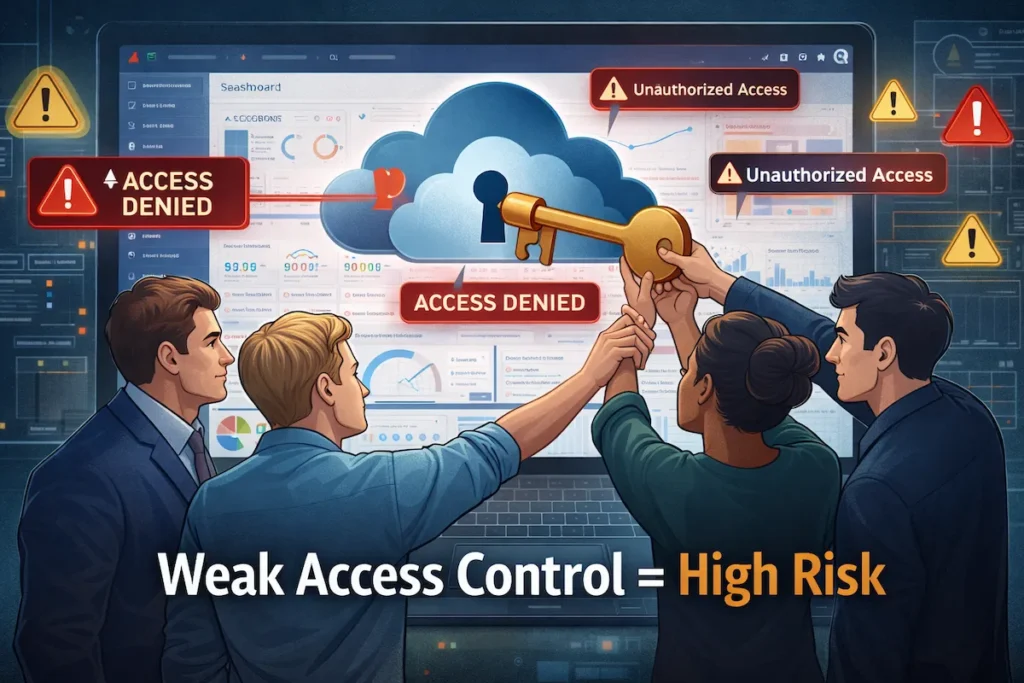
The most frequent cloud security mistakes involve giving people too much access. Companies create admin accounts for convenience, grant broad permissions “just in case,” or never revoke access when employees change roles or leave. This creates massive attack surfaces.
Over-permission means users have access to resources they don’t need for their job. A developer who needs read access to one S3 bucket shouldn’t have write permissions across all storage. Yet this happens constantly. When credentials get compromised—through phishing, stolen laptops, or leaked API keys—attackers inherit those excessive permissions.
Role-based access control (RBAC) solves this, but many companies skip proper IAM setup during initial cloud migrations. They’ll migrate 50 applications in three months but spend zero time defining access roles. Implementing identity and access management best practices prevents these cloud security mistakes by establishing clear permission structures from the start. Human error compounds these problems: employees accidentally share credentials in Slack, commit access keys to GitHub repositories, or use the same password across multiple services.
Misconfigured Cloud Storage
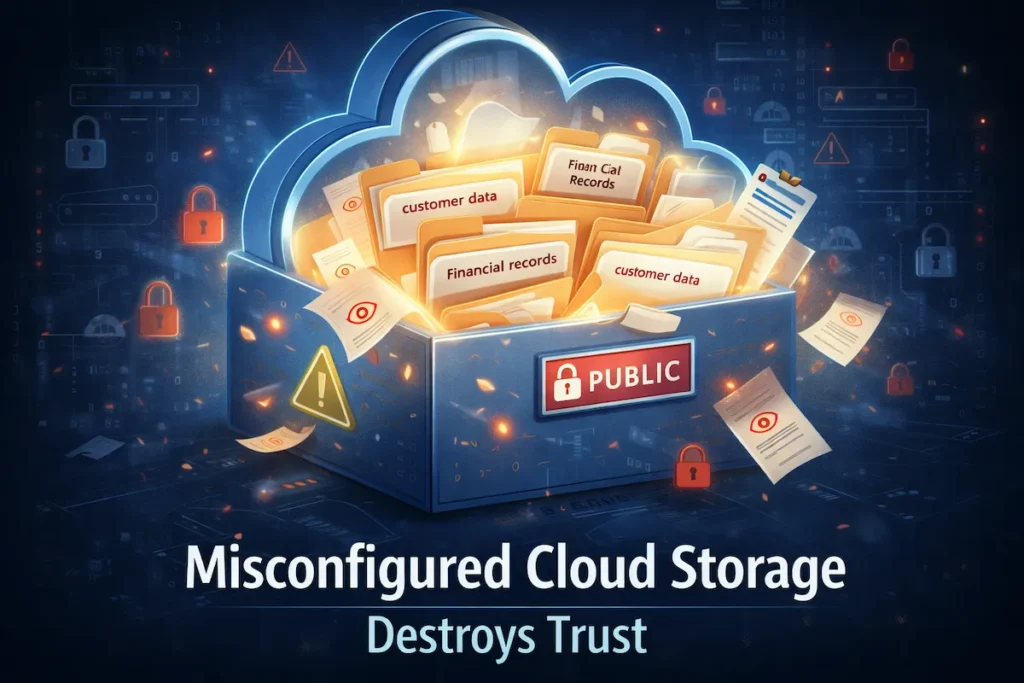
Public cloud storage buckets remain one of the most embarrassing cloud security mistakes. Companies store customer data, employee records, or proprietary information in S3, Azure Blob, or Google Cloud Storage, then accidentally set permissions to “public.” This isn’t theoretical—Capital One, Toyota, and dozens of others have exposed millions of records this way.
Default configurations cause these problems. When you create a new storage bucket, the default settings might be secure, but one checkbox error makes everything public. Even experienced engineers make these cloud security mistakes under deadline pressure. They test with public access during development, forget to change it before production, and suddenly 10 million customer records are downloadable by anyone with the URL.
The real issue is visibility. Unlike traditional file servers where IT can monitor access, cloud storage sprawls across regions and accounts. Companies lose track of what buckets exist, who created them, and what they contain. Shadow IT makes this worse—marketing creates a bucket for a campaign, finance stores budget files in another, and security never knows these resources exist until they appear in a breach report. Applying advanced encryption techniques for cloud storage adds essential protection layers even when configurations aren’t perfect.
Ignoring the Shared Responsibility Model
This fundamental misunderstanding drives countless cloud security mistakes. Companies believe “we’re on AWS, so Amazon secures everything.” Wrong. AWS secures the cloud infrastructure. You secure what you put in the cloud.
Here’s what this means practically: AWS ensures the physical data center is protected, the network is isolated, and the hypervisor is patched. You’re responsible for configuring security groups, encrypting your data, managing your access keys, and monitoring your applications. If your database accepts connections from any IP address, that’s your cloud security mistake, not AWS’s.
US companies particularly struggle with compliance implications. HIPAA doesn’t care that you’re on a HIPAA-eligible cloud service—if you misconfigure your environment and expose patient data, you’re liable. The same applies to SOC 2, PCI DSS, and state privacy laws like CCPA. Your cloud provider offers tools for compliance, but using them correctly is your responsibility. Many cloud security mistakes result from companies checking “we’re on a compliant platform” without implementing the actual controls required.
No Continuous Monitoring or Logging
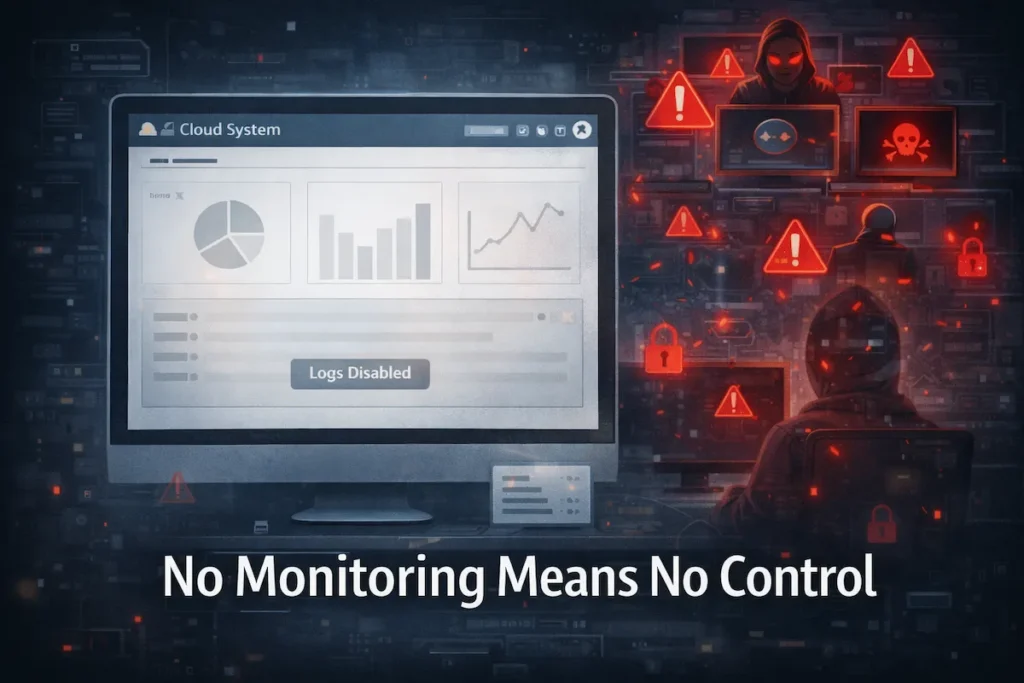
Disabling cloud security logs is like turning off your security cameras to save storage costs. Yet companies make this cloud security mistake constantly. CloudTrail in AWS, Activity Logs in Azure, and Cloud Audit Logs in Google Cloud capture who did what and when. These logs are essential for detecting breaches, investigating incidents, and proving compliance. But they cost money and generate data, so budget-conscious companies turn them off or set short retention periods.
The consequence? When a breach happens, you have no idea how the attacker got in, what they accessed, or how long they were there. Investigation becomes guesswork. Forensics firms charge premium rates because they’re working blind. Insurance claims get denied because you can’t demonstrate due diligence.
Even companies that enable logging often ignore the data. Logs sit unused in storage while attacks unfold in real-time. These cloud security mistakes stem from treating monitoring as a compliance checkbox rather than an active security function. Leveraging AI-powered data analytics for small businesses can transform raw log data into actionable security insights without requiring large security teams. You need continuous analysis, automated alerts for suspicious activity, and regular log reviews. Late breach detection—discovering an intrusion months after it started—is the direct result of this mistake.
Weak Data Encryption Practices
Encryption sounds technical, but the cloud security mistakes here are straightforward. Companies store sensitive data in the cloud without encrypting it, or they encrypt data but manage the keys carelessly.
Encryption at rest protects stored data. If someone gains unauthorized access to your database or storage bucket, encrypted data is unreadable without the key. Encryption in transit protects data moving between systems—from your application to the database, or from your cloud to users’ browsers. Both are essential. Many cloud security mistakes involve doing one but not the other, or using encryption but leaving keys in the same place as the data.
Key management is where companies really struggle. Cloud providers offer key management services, but you must configure them correctly. Storing encryption keys in environment variables, hardcoding them in application code, or using default keys are all cloud security mistakes that render encryption useless. An attacker who finds your unprotected key can decrypt everything as easily as if you’d never encrypted it.
Lack of Regular Security Audits
Companies treat cloud security as a one-time setup. They configure everything during migration, check the boxes, then never review those settings again. This is among the most dangerous cloud security mistakes because cloud environments change constantly.
New services launch, employees add resources, configurations drift, and attack methods evolve. What was secure six months ago might be vulnerable today. Without regular audits, you don’t know if someone created a publicly accessible database last week, if a departing contractor still has admin access, or if your encryption settings match current compliance requirements.
Security audits mean reviewing IAM policies, scanning for misconfigurations, testing access controls, and verifying logging is active. Many companies skip this because they lack internal expertise or see it as an unnecessary expense. Then they discover during a breach—or worse, from a customer notification—that their cloud security posture degraded long ago.
Why Companies Keep Repeating Cloud Security Mistakes
The skills gap explains much of this pattern. Cloud security requires different expertise than traditional IT security. Your network engineer who’s brilliant with firewalls and VPNs may not understand IAM policies, S3 bucket permissions, or cloud-native security tools. US companies face a severe shortage of cloud security talent, and hiring qualified professionals is expensive and competitive.
Over-reliance on cloud providers compounds these cloud security mistakes. Marketing from AWS, Azure, and Google Cloud emphasizes security features, which creates false confidence. Companies think “we’re on AWS, they have 300 security certifications” without realizing those certifications mean nothing if they misconfigure their environment. The providers offer security tools, but you must deploy and manage them correctly.
Cost-cutting behavior drives deliberate cloud security mistakes. Enabling comprehensive logging costs money. Hiring security specialists costs money. Third-party security tools cost money. When leadership prioritizes speed and cost reduction, security gets deprioritized. Teams skip security audits, use minimal logging, and grant broad permissions because granular controls take time to implement. These decisions create vulnerabilities that eventually cost far more than the security measures would have.
Real-World Impact of Cloud Security Mistakes
Data breaches from cloud security mistakes have exposed billions of records and cost companies hundreds of millions in damages. US businesses face immediate financial hits: breach response costs, forensic investigations, customer notification expenses, credit monitoring services, and legal fees. Then come the lawsuits—class actions from affected customers, shareholder suits for negligence, and regulatory investigations.
Compliance penalties add substantial costs. HIPAA fines for healthcare organizations can reach millions per incident. Companies under SOC 2 audits can lose certification, destroying relationships with enterprise customers who require it. While GDPR is European, it affects US companies with EU customers or employees. California’s CPRA and other state privacy laws impose penalties for cloud security mistakes that expose personal information.
Reputation damage often exceeds direct costs. When a breach makes headlines, customers lose trust. B2B companies lose contracts because enterprise buyers won’t risk their data with a vendor that’s demonstrated poor security. Modern customers expect secure experiences, and companies that fail to deliver face immediate consequences—similar to how AI for customer experience in SaaS has raised expectations across all business operations. Startups fail to raise funding because investors see security negligence as a red flag for operational maturity. Stock prices drop for public companies. These cloud security mistakes don’t just cost money—they can end businesses.
How to Avoid Cloud Security Mistakes
Implement Least-Privilege Access
Least-privilege access means giving users the minimum permissions they need to do their job, nothing more. This single practice prevents the majority of cloud security mistakes related to compromised credentials.
Start by auditing current access. Who has admin rights? Why? Most admin accounts shouldn’t exist. Create specific roles for specific tasks: database-read for analysts, deploy-permissions for CI/CD systems, and billing-access for finance. When an employee needs temporary elevated access, grant it with an expiration time.
Use multi-factor authentication (MFA) everywhere, especially for privileged accounts. A stolen password is worthless without the second factor. Review access quarterly and revoke anything unnecessary. When employees leave, immediately disable their accounts. These steps eliminate entire categories of cloud security mistakes.
Automate Cloud Security Monitoring
Manual security monitoring doesn’t scale, and humans miss things. Automation catches cloud security mistakes in real-time and responds faster than any security team.
Cloud-native tools like AWS GuardDuty, Azure Security Center, and Google Security Command Center monitor for suspicious activity, misconfigurations, and threats. They analyze billions of events, identify anomalies, and alert you to problems. Third-party tools like Wiz, Orca, and Prisma Cloud provide additional capabilities for multi-cloud environments.
Set up automated alerts for critical events: new public storage buckets, disabled logging, failed authentication attempts, and unusual data access patterns. Configure automated responses where possible—like automatically reverting a bucket to private if it becomes public, or disabling compromised credentials. Automation doesn’t eliminate cloud security mistakes, but it catches them before they become breaches.
Perform Regular Cloud Security Audits
Schedule quarterly security audits as non-negotiable maintenance. Treat them like financial audits—required for business health, not optional.
Audit IAM policies and permissions. Review who has access to what and remove anything excessive. Scan for misconfigurations using tools like Prowler, Scout Suite, or cloud-native compliance tools. Check that encryption is enabled everywhere it should be. Verify logging is active and retention meets compliance requirements. Test your incident response plan—can you actually detect and respond to a breach?
External audits by third-party security firms catch cloud security mistakes your team misses. They bring fresh perspectives and test your defenses realistically. Annual penetration testing identifies vulnerabilities before attackers do.
Train Teams on Cloud Security Basics
Your developers, IT staff, and even managers need basic cloud security training. Many cloud security mistakes happen because people simply don’t know better.
Training should cover the shared responsibility model, IAM best practices, secure configuration basics, and common pitfalls. Developers need to understand why hardcoding credentials is dangerous, how to use secrets management, and why encryption matters. IT teams need training on cloud-specific security tools and monitoring.
Make this practical, not theoretical. Use real examples of cloud security mistakes from your industry. Run tabletop exercises where teams respond to simulated incidents. Create internal documentation and checklists specific to your cloud environment. Security awareness shouldn’t be annual training everyone ignores—it should be embedded in how your teams work daily.
Cloud Security Best Practices Checklist
Use this checklist to evaluate and improve your cloud security posture. These actionable items address the most common cloud security mistakes:
Identity and Access Management
- Enable multi-factor authentication on all accounts, especially privileged ones
- Implement role-based access control with least-privilege principles
- Remove unused accounts and credentials monthly
- Set password policies and credential rotation schedules
- Use service accounts for applications, not personal credentials
Data Protection
- Enable encryption at rest for all storage and databases
- Enable encryption in transit using TLS/SSL
- Use cloud provider key management services, not hardcoded keys
- Classify data by sensitivity and apply appropriate controls
- Regularly backup critical data and test restoration
Network Security
- Configure security groups and network ACLs with minimal required access
- Use private subnets for databases and internal services
- Implement network segmentation between environments
- Enable VPC flow logs for network monitoring
- Use VPNs or private connections for administrative access
Monitoring and Logging
- Enable cloud audit logging on all accounts
- Set log retention to meet compliance requirements (typically 90+ days)
- Configure real-time alerts for security events
- Monitor for unusual access patterns and data exfiltration
- Review logs weekly at minimum
Configuration Management
- Scan for misconfigurations weekly using automated tools
- Review and fix public storage buckets immediately
- Maintain an inventory of all cloud resources
- Use infrastructure-as-code to standardize deployments
- Implement change management for security settings
Compliance and Governance
- Document your cloud security policies and procedures
- Perform quarterly security audits
- Maintain evidence for compliance frameworks (SOC 2, HIPAA, etc.)
- Review vendor security regularly if using third-party integrations
- Test incident response plans semi-annually

Frequently Asked Questions About Cloud Security Mistakes
What is the most common cloud security mistake?
The most common cloud security mistake is poor identity and access management (IAM). Companies grant excessive permissions, fail to implement role-based access, and don’t revoke credentials when employees leave. Implementing proper IAM controls can prevent the majority of unauthorized access incidents and reduce your attack surface significantly.
How do I know if my cloud storage is misconfigured?
Use automated security scanning tools like AWS Config, Azure Security Center, or third-party solutions to detect misconfigurations. Check if storage buckets are publicly accessible, review security group rules for overly permissive settings, and verify encryption is enabled. Regular audits help identify and fix configuration issues before they lead to breaches.
Are small businesses at risk of cloud security mistakes?
Yes, small businesses are actually at higher risk because they typically lack dedicated security staff and resources. Attackers specifically target SMBs assuming weaker security postures. However, small businesses can leverage cloud-native security tools and automated monitoring to detect threats without large security teams.
What encryption should I use to avoid cloud security mistakes?
Enable encryption both at rest (for stored data) and in transit (for data moving between systems). Use AES-256 encryption for data at rest and TLS 1.2 or higher for data in transit. Always use your cloud provider’s key management service rather than managing keys manually to implement robust protection for sensitive information.
How often should I audit my cloud security?
Perform security audits quarterly at minimum, with continuous automated monitoring in between. Annual audits are insufficient because cloud environments change rapidly. Schedule reviews of IAM policies monthly, run automated configuration scans weekly, and conduct penetration testing annually. Companies in regulated industries like healthcare or finance may need more frequent audits to maintain compliance.
Does my cloud provider handle all security for me?
No. Cloud providers secure the infrastructure (physical servers, networks, hypervisor), but you’re responsible for securing your data, applications, access controls, and configurations. This is called the shared responsibility model. Assuming your provider handles everything is one of the most dangerous cloud security mistakes companies make.
Can automation really prevent cloud security mistakes?
Yes. Automation catches misconfigurations in real-time, monitors for suspicious activity 24/7, and responds faster than manual processes. Tools like AWS GuardDuty, Azure Sentinel, and Security Command Center continuously analyze your environment and can handle complex security tasks at scale that would be impossible to manage manually.
What happens if I don’t fix cloud security mistakes?
Unfixed cloud security mistakes lead to data breaches, compliance penalties, legal liability, and reputation damage. Average breach costs exceed $4 million for US companies. You face lawsuits from affected customers, regulatory fines from agencies like HHS or FTC, and potential loss of business certifications. Many companies never fully recover from major security incidents caused by preventable mistakes.
Final Thoughts
Cloud security mistakes aren’t inevitable—they’re preventable. The companies that repeatedly appear in breach headlines aren’t unlucky; they’re unprepared. They skip basic security hygiene, misunderstand their responsibilities, and treat security as an afterthought rather than a foundation.
For US businesses, the stakes are higher than ever. Data breach costs average $4.45 million. Compliance penalties can shut down operations. Customer trust, once lost, rarely returns. But the solution isn’t complicated: understand the shared responsibility model, implement least-privilege access, enable comprehensive monitoring, and audit regularly.
Start with one action today. Run a configuration scan to identify your most critical cloud security mistakes. Review who has admin access and reduce it. Enable logging if it’s not already active. Don’t wait until a breach forces you to act—by then, the damage is done. Your cloud environment is only as secure as the effort you invest in protecting it.
3 thoughts on “Top Cloud Security Mistakes Companies Still Make”