
Introduction—Why Cloud Security is Crucial in 2026
Implementing comprehensive cloud security tips has become essential as cyber threats grow more sophisticated and costly in 2026. Cloud computing has become the backbone of modern business, with over 94% of enterprises now using cloud services. As we navigate through 2026, the stakes for cloud security have never been higher. Data breaches cost US companies an average of $9.48 million per incident, according to the IBM Cost of a Data Breach Report, making robust cloud security a business imperative, not just a technical necessity.
The threat landscape evolves rapidly. Cybercriminals leverage AI to automate attacks, ransomware groups target cloud infrastructure specifically, and insider threats remain persistent. Meanwhile, regulations like GDPR, HIPAA, and emerging AI-specific requirements demand stringent data protection.
Understanding and implementing cloud security tips 2026 is essential for survival in today’s digital economy. This guide provides actionable strategies to safeguard your organization against evolving threats.
Understanding Cloud Security Fundamentals
Before implementing advanced cloud security tips, it’s crucial to understand the foundational concepts that underpin effective protection strategies.
Shared Responsibility Model—Provider vs User
One of the most critical cloud security tips is understanding the shared responsibility model and knowing exactly where your security obligations begin. The shared responsibility model divides security obligations between your cloud provider and you. Providers secure the infrastructure—hardware, facilities, and networking. You’re responsible for your data, applications, identity management, and configurations.
This distinction is critical: 68% of cloud security breaches in 2025 resulted from customer misconfigurations, not provider vulnerabilities. Understanding where your responsibility begins helps you allocate resources effectively.
Data Confidentiality, Integrity, and Availability (CIA Triad)
The CIA Triad represents one of the foundational cloud security tips that every organization must implement to protect their data comprehensively.
The CIA Triad forms the cornerstone of cloud security:
- Confidentiality ensures only authorized individuals access your data through encryption and access controls
- Integrity guarantees data remains accurate and unaltered using hash functions and version control
- Availability ensures data and services are accessible when needed through redundancy and disaster recovery planning
Cloud Deployment Models—Public, Private, Hybrid
Understanding your deployment model shapes your security approach:
Public cloud (AWS, Azure, Google Cloud) offers scalability and cost-effectiveness but requires careful configuration since you’re sharing infrastructure with other tenants. Security focus areas include network segmentation, identity management, and encryption. Public clouds like AWS (see the AWS shared responsibility model) offer scalability but require careful configuration.
Private cloud provides dedicated infrastructure, offering greater control and customization. This model suits organizations with strict compliance requirements but demands more in-house security expertise.
Hybrid cloud combines both models, allowing sensitive data to remain on-premises while leveraging public cloud for less critical workloads. The challenge? Securing data flows between environments and maintaining consistent security policies across platforms. By 2026, approximately 82% of enterprises use hybrid cloud strategies, making cross-environment security crucial.
For more on aligning your deployment model with security needs, see our guide on Cloud Security Audits in 2026.
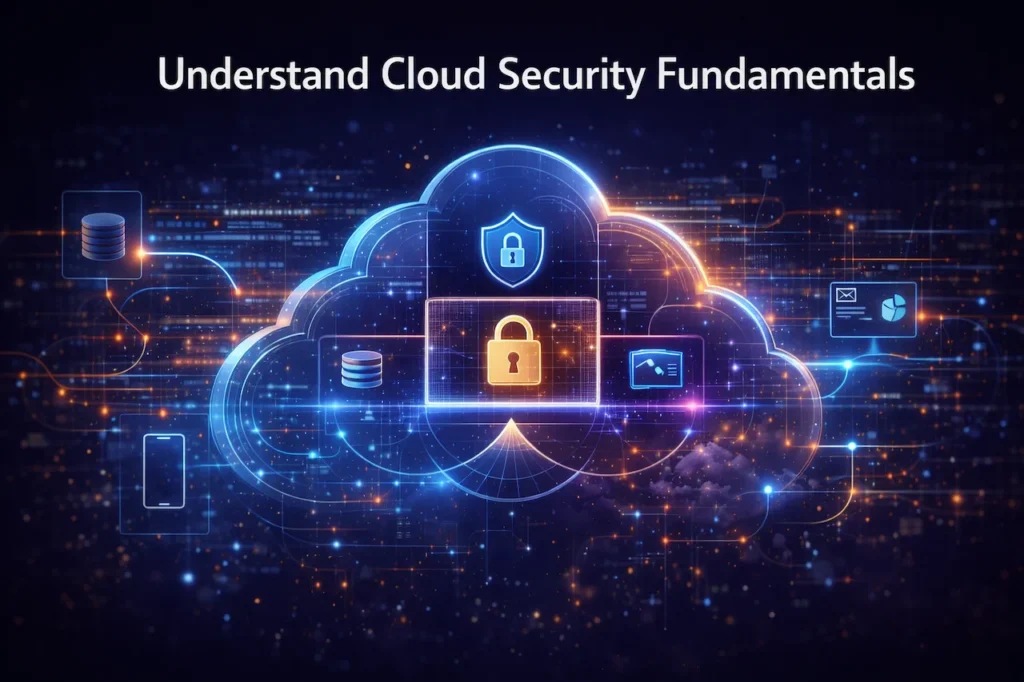
Shared responsibility is a core cloud security principle.
Authentication and Access Management Best Practices
Implementing these authentication-focused cloud security tips can block 99.9% of automated attacks targeting your systems. Identity and access management represents your first defense line, with weak authentication protocols accounting for 81% of hacking-related breaches.
Multi-Factor Authentication (MFA)
Enabling MFA across all accounts ranks among the most effective cloud security tips you can implement immediately. Multi-factor authentication cloud security is non-negotiable in 2026. MFA requires two or more verification factors—something you know (password), have (smartphone), or are (biometric).
Implementation strategies:
- Deploy MFA for all accounts, especially administrative privileges
- Use authenticator apps rather than SMS codes vulnerable to SIM-swapping
- Consider hardware security keys for high-privilege accounts
- Implement adaptive MFA based on risk factors
Organizations using MFA block 99.9% of automated attacks. In 2025, a major healthcare provider prevented 2.3 million login attempts through MFA, even though attackers had valid credentials.
Role-Based Access Control (RBAC)
Implementing RBAC is one of the cloud security tips that ensures users only access resources necessary for their job functions. RBAC ensures users access only necessary resources. Define roles based on job requirements, separate duties for sensitive operations, and implement just-in-time access for temporary elevated privileges.
Regular Audit of User Permissions
Review user access quarterly, remove inactive accounts, verify contractor access termination dates, and check orphaned accounts. Organizations conducting quarterly reviews reduce their attack surface by 37%.
These maintenance-focused cloud security tips identify and eliminate unnecessary access that accumulates over time. For comprehensive guidance, see Identity and Access Management Best Practices.
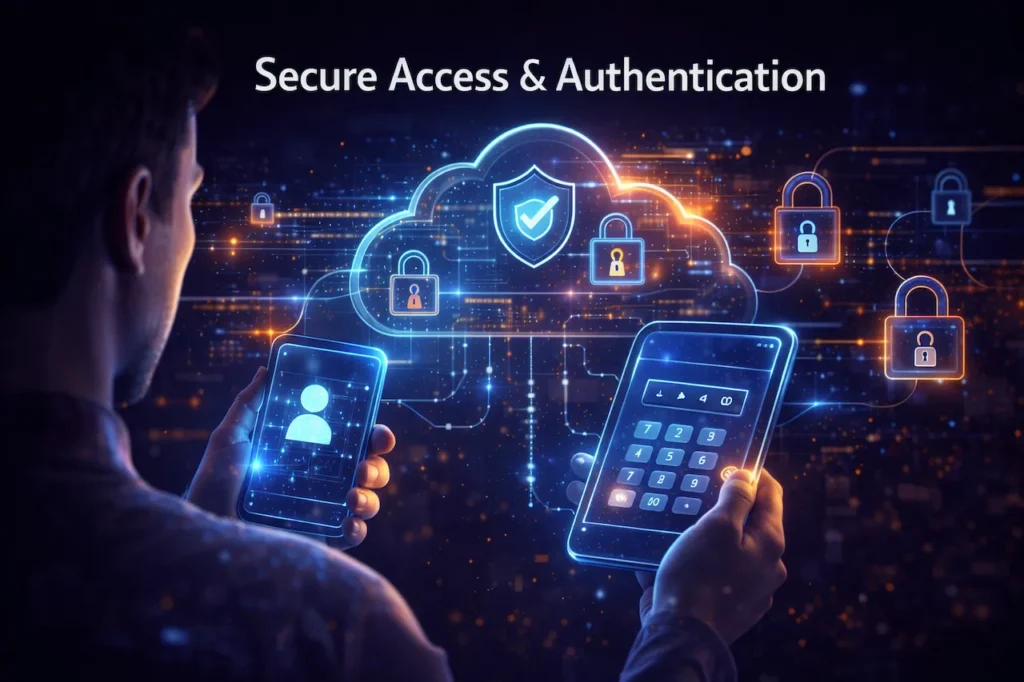
Secure cloud access using multi-factor authentication.
Data Encryption Strategies
Encryption-based cloud security tips are non-negotiable for protecting sensitive data both at rest and during transmission. Data is most vulnerable when it is in transit or stored without protection. Encrypting information both at rest and in transit ensures it remains unreadable to unauthorized users.
Effective key management is equally important. Storing encryption keys securely and rotating them regularly mitigates risks associated with stolen or compromised keys. End-to-end encryption offers an additional layer of defense, guaranteeing that even if cloud servers are breached, the data remains protected.
Adhering to cloud data security practices like these not only protects sensitive data but also satisfies regulatory compliance requirements. Encryption strategies must be comprehensive and seamlessly integrated into daily operations to maintain continuous data security.
Encryption at Rest and In Transit
Among the most fundamental cloud security tips is encrypting all data regardless of whether it’s stored or moving between systems. Data at rest encryption protects stored information. Enable server-side encryption on cloud storage, use full-disk encryption for virtual machines, and encrypt databases using transparent data encryption (TDE).
Data in transit encryption protects moving information. Use TLS 1.3 minimum, implement VPNs for sensitive communications, enable HTTPS for all web applications, and use encrypted protocols (SSH, SFTP).
Statistics show 43% of breaches involve data in transit, highlighting why end-to-end encryption in cloud environments is critical.
Key Management Best Practices
Use dedicated key management services (AWS KMS, Azure Key Vault), implement annual key rotation policies, separate key management from system administration, and use hardware security modules for highest security requirements. Never hard-code encryption keys in source code—exposed keys are found in public repositories within 4.2 minutes on average.
These advanced cloud security tips ensure your encryption keys remain secure and properly managed throughout their lifecycle.
End-to-End Encryption
End-to-end encryption ensures data remains encrypted throughout its journey, with decryption only at endpoints. Use for sensitive communications, healthcare records, financial transactions, legal documents, and intellectual property.
These specialized cloud security tips ensure data remains encrypted throughout its entire journey from creation to destination. See Advanced Encryption Techniques for Cloud Storage for implementation details.
Regular Backups & Disaster Recovery
Comprehensive backup strategies are among the cloud security tips that ensure business continuity when incidents occur. Unexpected failures or cyberattacks can cause catastrophic data loss without a robust backup strategy. Automated backups provide consistent, reliable snapshots of critical data, reducing the risk of permanent loss.
Testing disaster recovery plans regularly ensures systems can be restored quickly and operations continue with minimal downtime. Implementing versioning and retention policies allows organizations to retrieve previous iterations of files if current data becomes corrupted.
Following these cloud security tips not only safeguards data but also ensures business continuity in crisis situations. A proactiveapproach to backups and recovery minimizes operational disruptions and protects both reputation and resources.
Automated Backups
Manual backups fail. Automated cloud backup best practices eliminate human error:
- Schedule automatic backups during off-peak hours
- Follow the 3-2-1 rule: 3 copies, 2 media types, 1 offsite
- Use incremental backups daily with weekly full backups
- Store backups in different regions for maximum resilience
- Ensure backups are immutable to protect against ransomware
Following these automated cloud security tips helps organizations recover from attacks in 3.2 days versus 21.4 days with manual processes. Organizations with automated systems recover from ransomware in 3.2 days versus 21.4 days for manual processes.
Testing Disaster Recovery Plans
Regular DR testing stands among the proactive cloud security tips that identify gaps before real crises occur. Conduct full disaster recovery drills quarterly and partial tests monthly. Document procedures, measure Recovery Time Objective (RTO) and Recovery Point Objective (RPO), and test restoration to different infrastructure.
A financial services firm discovered during drills their restoration would take 72 hours—far exceeding their 4-hour commitment—allowing them to optimize before facing a real incident.
Versioning and Retention Policies
Implementing versioning is one of the cloud security tips that protects against both accidental deletion and ransomware encryption. Enable versioning on all cloud storage to protect against accidental deletion and ransomware. Set appropriate version limits (typically 30-90 days), implement lifecycle policies for cost management, and comply with regulatory retention requirements.
Explore Cloud Backup & Disaster Recovery Strategies for comprehensive planning.
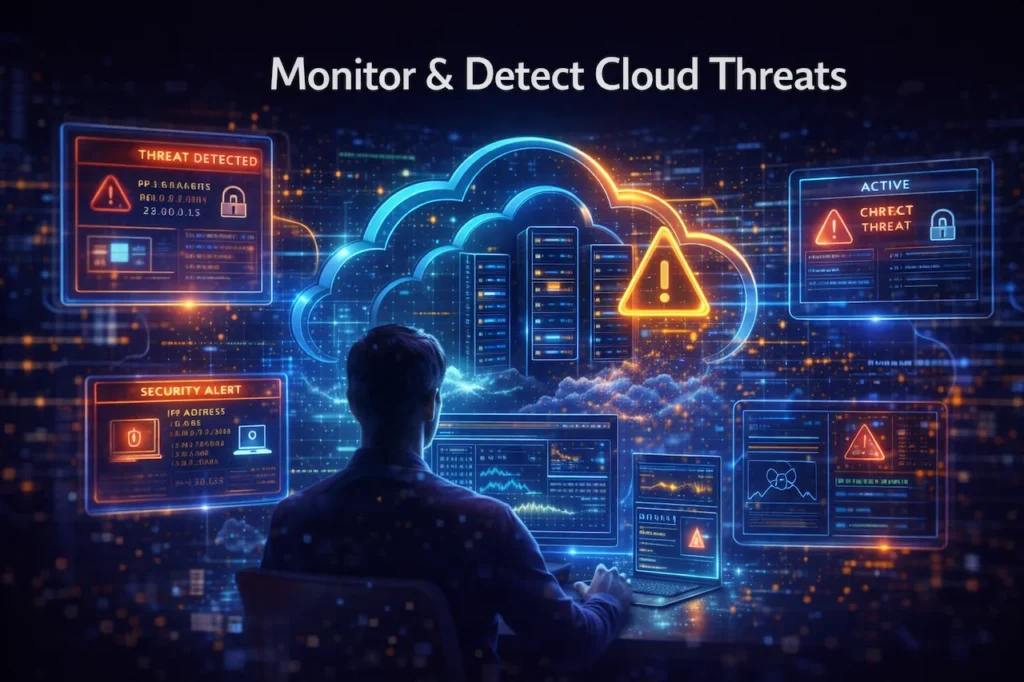
Monitor & Detect Threats
Continuous monitoring represents essential cloud security tips for identifying security incidents before they escalate into major breaches. Cloud environments are dynamic, making continuous monitoring essential. Deploying tools that track activity, flag anomalies, and detect unauthorized access helps identify potential threats before they escalate.
Intrusion detection systems (IDS) provide real-time alerts on suspicious behavior, while log analysis uncovers hidden patterns that may indicate malicious activity. Implementing robust cloud security monitoring processes allows organizations to react swiftly to breaches and reduces the time attackers have to exploit vulnerabilities.
Monitoring should be layered and automated wherever possible. Combining human oversight with AI-driven alerts ensures threats are detected, analyzed, and remediated efficiently.
Continuous Monitoring Tools
Deploying monitoring tools is among the cloud security tips that provide real-time visibility into your entire environment. Monitor infrastructure health, application performance, security events, and compliance. Use cloud-native solutions (AWS CloudWatch, Azure Monitor, Google Cloud Operations) or SIEM platforms (Splunk, Sumo Logic) for multi-cloud environments.
Track failed authentication attempts, API calls from unusual locations, security configuration changes, data access spikes, new administrative accounts, and monitoring configuration modifications.
Intrusion Detection Systems (IDS)
Implementing IDS represents technical cloud security tips that analyze network traffic and system activities for potential threats. Deploy network-based and host-based IDS at critical boundaries. Configure signature-based detection for known threats and behavioral analysis for zero-day attacks. Integrate with SIEM systems and update threat signatures daily.
Log Analysis and Anomaly Detection
Leveraging machine learning for log analysis is among the modern cloud security tips that identify unusual patterns indicating threats. Enable comprehensive logging, centralize logs securely, and retain for at least 90 days. Use machine learning for user behavior analytics and entity behavior analytics to establish baselines and detect deviations.
Organizations with advanced anomaly detection identify threats 63% faster than those using only signature-based methods.
Read Advanced Threat Detection in Cloud Environments for deeper insights.
Employee Training & Awareness
Human-focused cloud security tips are critical because employee error contributes to 82% of data breaches. Humans are often the weakest link in security chains. Educating employees about phishing, social engineering, and safe cloud usage significantly reduces the risk of breaches.
Regular security drills reinforce best practices, ensuring staff respond appropriately to threats. Policies governing remote or cloud access further standardize behavior, reducing accidental exposure. These cloud security awareness measures integrate seamlessly with technical controls, creating a comprehensive security posture.
Investing in ongoing training transforms employees into active defenders rather than passive risk factors, ensuring security measures are effectively implemented at every level.
Phishing & Social Engineering Training
Anti-phishing training represents vital cloud security tips since sophisticated attacks increasingly target human psychology rather than technical vulnerabilities. Conduct monthly phishing simulations with immediate feedback. Train employees to identify suspicious emails, verify requests through secondary channels, and report suspected phishing. Teach red flags: urgency, credential requests, unexpected attachments, and spoofed sender addresses.
Create a security-positive culture that rewards reporting. Organizations with quarterly training experience 70% fewer successful phishing attacks.
Regular Security Drills
Conducting security drills is among the preparedness cloud security tips that ensure effective incident response when crises occur. Conduct ransomware response exercises, data breach simulations, and disaster recovery drills at least twice annually. Include all relevant teams, document response times, and update plans based on findings.
Policies for Remote/Cloud Access
Establishing remote access policies ranks among critical cloud security tips as remote work becomes permanent for many organizations. Require VPN usage for corporate cloud access, mandate device security standards (antivirus, firewall, encryption), implement mobile device management for BYOD scenarios, and adopt zero-trust architecture where every access request is verified.
67% of enterprises are implementing zero-trust architectures in 2026.
See Securing Remote Cloud Access in 2026 for comprehensive guidance.
Compliance & Legal Considerations
Adherence to regulations like GDPR, HIPAA, and ISO 27001 is no longer optional. Understanding legal requirements ensures data is protected while avoiding costly penalties.
Cloud provider certifications demonstrate compliance with industry standards, giving organizations confidence in their outsourced infrastructure. Regular audits and documentation maintain accountability and provide evidence of due diligence. Implementing these cloud compliance measures protects both customers and business operations.
Legal and compliance strategies must be integrated into security policies rather than treated as afterthoughts, ensuring regulatory obligations are met without compromising operational efficiency.
GDPR, HIPAA, ISO 27001
GDPR applies to any organization processing EU resident data, requires explicit consent and breach notification within 72 hours, with penalties up to €20 million or 4% of global revenue.
HIPAA governs US healthcare organizations, requires administrative, physical, and technical safeguards for Protected Health Information, with violations costing $100-$50,000 per incident.
ISO 27001 demonstrates systematic information security management, often required for government contracts.
Conduct data inventories, implement classification schemes, map data flows, and document security policies.
Cloud Provider Compliance Certifications
Verify providers maintain relevant certifications (SOC 2, PCI DSS, FedRAMP, HITRUST). Understand certification scope and implement additional controls where gaps exist. Provider certifications cover infrastructure, but you must still secure your applications and data.
Regular Audits and Documentation
Schedule quarterly audits for critical systems. Maintain comprehensive documentation including security policies, risk assessments, access control matrices, incident response plans, training records, and audit trails retained per regulatory requirements (typically 1-7 years).
Organizations with mature compliance programs experience 34% fewer incidents and resolve breaches 41% faster.
Review Cloud Compliance Requirements by Industry for detailed guidance.
Real-World Case Studies
Capital One (2019): Misconfigured firewall allowed access to 100 million records. Lesson: Configuration errors remain the leading breach cause—implement automated monitoring and least privilege.
SolarWinds: Supply chain compromise demonstrated build system vulnerabilities. Lesson: Implement code signing, isolate build environments, and monitor with production-level rigor.
Healthcare Provider Success (2025): Hospital isolated ransomware within 12 minutes, restored from immutable backups within 4 hours, maintained patient care throughout. Success factors: regular testing, immutable backups, network segmentation, rehearsed response plan.
Financial Services Multi-Cloud (2026): Bank implemented AWS/Azure strategy with consistent security policies, cross-cloud encryption, quarterly failover tests, achieving 99.99% uptime while reducing costs by 23%.
FAQ—Cloud Security Tips 2026
What are the most important cloud security tips for 2026?
Implement multi-factor authentication, encrypt data at rest and in transit, maintain automated backups with regular testing, conduct quarterly security audits, provide ongoing employee training, adopt zero-trust security, and ensure regulatory compliance.
How often should I update my cloud security policies?
Review policies quarterly minimum, with immediate updates for new regulations, major service updates, organizational changes, or after security incidents.
Is multi-factor authentication really necessary for all users?
Yes. MFA prevents 99.9% of automated attacks and is crucial given widespread credential theft through phishing and breaches.
What’s the difference between cloud backup and disaster recovery?
Backups are data copies for recovery; disaster recovery is a comprehensive plan for restoring entire business operations, including procedures, communication plans, and alternative infrastructure.
How can I ensure my cloud provider is secure?
Verify compliance certifications, review security documentation and audit reports, understand shared responsibility, check incident response history, and ensure they offer needed security features.
What is end-to-end encryption and when should I use it?
End-to-end encryption in cloud ensures data is encrypted throughout its journey, with decryption only at endpoints. Use for highly sensitive data like healthcare records, financial information, and legal documents.
How long should I retain cloud backups?
Retention depends on regulations and business needs. Common approach: daily backups for 30 days, weekly for 3 months, monthly for 1 year, annual for 7 years. HIPAA requires 6 years minimum.
What should I do immediately after discovering a cloud security breach?
Isolate affected systems, preserve evidence, activate incident response plan, notify security team and leadership, assess scope and impact, document actions, and prepare for regulatory notifications if personal data is involved.
Are free cloud security tools sufficient for my business?
Free tools provide basic protection for very small businesses, but most organizations require paid solutions for advanced threat detection, compliance reporting, support, and integration capabilities.
How do I implement role-based access control in the cloud?
Inventory cloud resources, define roles based on job functions, create groups in your identity provider, assign users to groups, configure group-level permissions, implement least privilege, and review access quarterly.
Conclusion & Key Takeaways
Cloud security in 2026 requires a comprehensive approach combining technology, processes, and people. The threat landscape evolves constantly, but fundamental principles remain: protect access, encrypt data, maintain backups, monitor continuously, train employees, and ensure compliance.
Essential cloud security tips 2026 to implement immediately:
- Enable multi-factor authentication across all accounts
- Encrypt everything—data at rest, in transit, and end-to-end for sensitive information
- Automate backups following the 3-2-1 rule and test quarterly
- Implement role-based access control with regular audits
- Deploy continuous monitoring with anomaly detection
- Train employees regularly on phishing and security best practices
- Understand shared responsibility and configure environments securely
- Maintain compliance through documentation and audits
- Test incident response through regular drills
- Stay informed about emerging threats
The cost of implementing robust cloud security is substantial, but it pales compared to the $9.48 million average breach cost. Strong security builds customer trust, protects reputation, and enables confident cloud leverage.
Cloud security is a continuous journey of improvement and adaptation. Start with these fundamentals, prioritize based on your risk profile, and build incrementally toward comprehensive protection.
For ongoing insights, subscribe to our Cloud Security Newsletter and explore our Cybersecurity Resources.
7 thoughts on “Cloud Security Tips 2026: Protecting Your Data and Avoiding Breaches”
Comments are closed.