
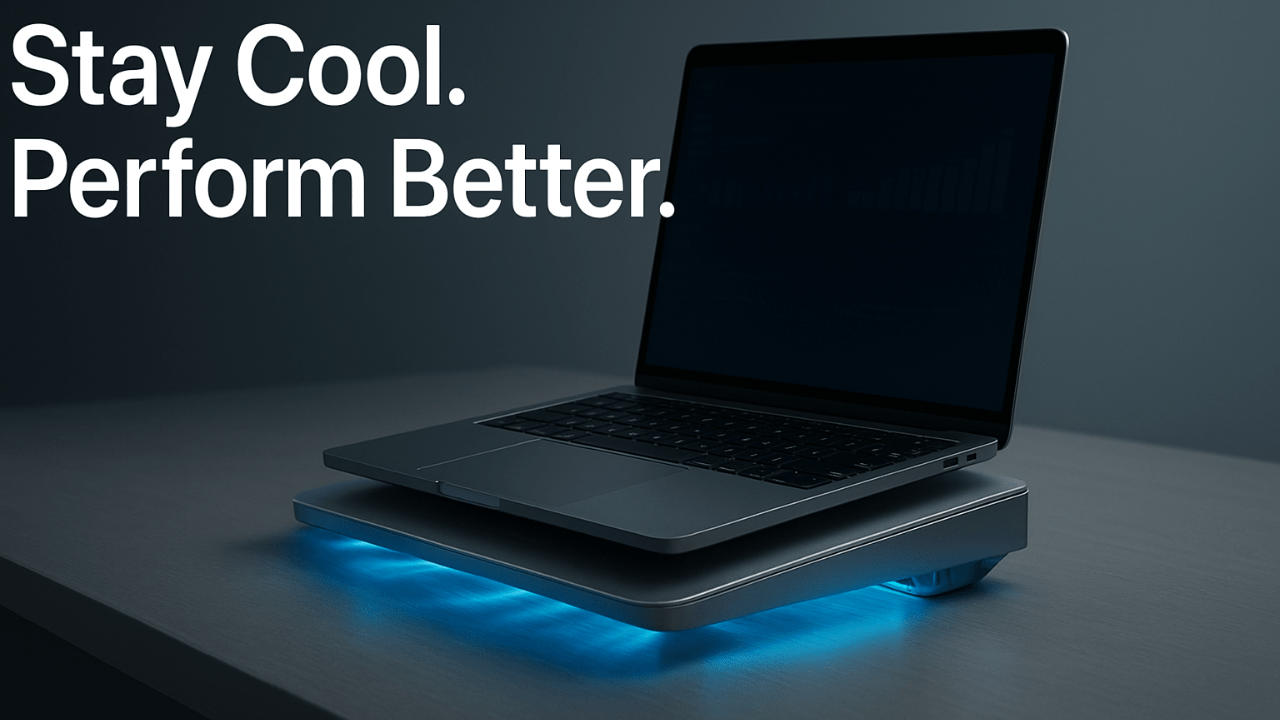
Why Your Laptop Deserves Better Cooling Than You Think
Every laptop hides a quiet storm beneath its shell—processors racing, memory modules pulsing, heat spreading faster than you notice. Without proper ventilation, performance dips before you even open another tab. That’s why a laptop cooling pad isn’t a luxury for heavy users—it’s a line of defense for every device running beyond comfort.
Overheating doesn’t always show itself with loud fans or system crashes. Sometimes, it’s just sluggish scrolling, dimmer screens, or battery drain that appears out of nowhere. Inside, those extra degrees are shortening component life, degrading thermal paste, and warping the system board. Heat quietly kills speed.
When you catch your machine’s underside turning uncomfortably warm, that’s an early SOS. Ignoring it may cost you both performance and lifespan. The simple act of giving your laptop more breathing room with a laptop cooling pad can stop that decline before it begins, turning your workspace from a heat trap into a zone of precision and calm.
A laptop cooling pad is more than comfort—it’s a safeguard against heat damage. Reducing internal temperature helps your system perform faster, last longer, and stay quieter. It’s a small investment that delivers big results in efficiency, comfort, and overall laptop health.
The Science Behind a Laptop Cooling Pad
There’s a subtle elegance to how cooling pads work—part physics, part design philosophy. Air, when guided through the right channels, becomes your laptop’s greatest ally. The laptop cooling pad harnesses that airflow through powerful fans and surface elevation, pushing cool air where your system needs it most.
Each fan blade, angle, and vent position matters. These pads use aerodynamics similar to industrial cooling systems but scaled for portability. They don’t just lower surface temperature; they optimize internal airflow so processors can breathe freely.
The science is less about blowing air wildly and more about controlling flow. A pad designed with proper elevation allows natural convection to assist mechanical fans, reducing pressure and noise. In essence, a laptop cooling pad converts simple motion into sustained stability—technology serving endurance through precision design.
Airflow and smart design make a laptop cooling pad surprisingly effective. By directing cool air beneath your device, it prevents overheating and improves processor efficiency. You’ll instantly notice smoother performance, fewer lags, and a cooler touch, even during long sessions.

Top Features to Look for in a Laptop Cooling Pad
Not every pad deserves your plug. What separates a good product from the rest is smart engineering hidden beneath sleek aesthetics. When choosing a laptop cooling pad, features like adjustable height and robust fan placement define comfort and cooling efficiency.
Ergonomic elevation transforms posture while improving thermal performance. Quiet fans deliver steady airflow without distraction—a key factor for creators and gamers alike. Materials matter too; metal mesh tops dissipate heat faster than plastic surfaces.
Then come the extras: integrated USB hubs, RGB lighting, and portability-focused designs. These aren’t gimmicks but thoughtful touches for diverse setups. A laptop cooling pad that balances power, silence, and usability isn’t just an accessory—it’s a tailored upgrade for both performance and experience.
Finding the ideal laptop cooling pad depends on your usage. Gamers need strong airflow, professionals prefer quiet fans, and travelers seek portability. Matching your lifestyle ensures maximum cooling efficiency and comfort—helping your laptop perform at its best anywhere.
Real-World Benefits: What You’ll Actually Feel
The first thing users notice isn’t numbers—it’s the feel. Keys stay cooler, palms rest easier, and performance flows longer. A laptop cooling pad transforms your everyday sessions from throttled to seamless, especially when working with demanding software or gaming at full power.
Thermal throttling—the automatic slowdown caused by excess heat—becomes rare. The system maintains speed even under load, allowing you to render videos, stream, or multitask without hesitation.
Beyond performance, there’s psychological ease. When your laptop stays cool and quiet, focus deepens. The room feels less tense, the task more controllable. Owning a laptop cooling pad isn’t about chasing numbers—it’s about keeping the machine, and your mind, consistently steady.
If your laptop heats up quickly, a cooling pad is your solution. It protects internal components, prevents performance drops, and makes long hours of work or gaming stress-free. Real users see fewer shutdowns, better speeds, and longer battery life—proof that cooling truly matters.
Laptop Cooling Pad vs. Built-In Laptop Fans
Every modern laptop comes armed with its own fans, yet they’re fighting physics in a cramped environment. Those internal fans recycle the same air trapped inside, barely keeping up under sustained pressure. That’s why a laptop cooling pad steps in as a vital external support system.
External cooling introduces fresh airflow directly under critical zones like the CPU and GPU, cutting down internal fan workload. It’s like adding open windows to a stuffy room—same energy, different results.
Temperature tests show consistent 8–15°C drops when both systems work together. That synergy keeps your hardware cooler and your laptop quieter. Internal fans can manage bursts; a laptop cooling pad sustains performance across hours, proving collaboration outperforms isolation.

Choosing the Right Cooling Pad for Your Laptop Type
A gaming rig and an ultrabook don’t share the same cooling needs. High-performance systems require stronger fans and wider airflow zones, while portable devices benefit from lightweight, quiet pads. Selecting the ideal laptop cooling pad means matching it to your laptop’s behavior, not just its size.
Gamers should look for dual- or quad-fan models with aggressive air intake and RGB setups for ventilation and aesthetics. Ultrabook users can opt for slim, adjustable stands prioritizing comfort and silence.
Brand-specific considerations matter too. MacBooks prefer minimal, stable surfaces; Dell and HP thrive on multi-fan alignment. The right laptop cooling pad doesn’t just fit your laptop—it complements its rhythm, enhancing cooling without sacrificing design harmony.
Pro Tips to Maximize Your Cooling Pad’s Efficiency
Even the best pad underperforms if used carelessly. Placement is everything. Set it on a flat, open surface where airflow isn’t blocked from below. Keeping your laptop cooling pad dust-free ensures consistent airflow—clogged vents reduce effectiveness over time.
Routine maintenance goes beyond wiping—inspect fan blades monthly. Subtle dust buildup can cut efficiency by 20%. Combining this with simple software tweaks, like limiting background processes, can amplify your cooling results.
And yes, airflow direction matters. Always align the fans with your laptop’s hottest zones—typically beneath the processor and GPU. With minor adjustments, your laptop cooling pad can deliver industrial-level cooling without the noise or bulk.

Pros and Cons of Using a Laptop Cooling Pad
Every solution has its balance. The laptop cooling pad excels at lowering temperature, boosting comfort, and extending hardware life—benefits users notice within days. But it does come with trade-offs worth considering.
Fans consume extra power, and portability slightly decreases if the pad is bulky. Some users find fan noise noticeable in silent rooms. Still, the gains outweigh the limitations.
For anyone relying on consistent performance, comfort, or creative stability, these pads remain indispensable. The laptop cooling pad offers a rare blend of simplicity and impact—small effort, major difference.
The best laptop cooling pad offers airflow and ergonomic comfort—but not all are equal. While they reduce heat and extend life, low-quality pads may add noise or bulk. Choose wisely, and the pros far outweigh the cons for long-term performance and reliability.
The Smart Investment: How a Laptop Cooling Pad Saves Money
Few accessories pay for themselves like this one. Heat damage is one of the leading causes of motherboard and GPU failure. By keeping components cooler, a laptop cooling pad indirectly extends the life of your entire setup—and that’s financial protection in disguise.
Cooler machines consume less power and operate more efficiently. Over months, that means fewer repair costs, longer battery health, and reduced energy waste.
Professionals and gamers treat cooling as part of their workflow, not an afterthought. Their machines stay in prime condition far longer. Investing in a laptop cooling pad isn’t just about cooling; it’s about ensuring your laptop performs like new, long after others start to fade.

FAQ: Everything You Need to Know About Laptop Cooling Pads
Still wondering if a laptop cooling pad is worth it? From improved temperature control to better comfort and durability, it’s a simple fix with major rewards. Choose a pad suited to your needs, and your laptop—and your productivity—will thank you daily.
Do laptop cooling pads really work for gaming?
Yes. Gaming laptops generate more heat than office systems, and a cooling pad provides consistent airflow to prevent frame drops and lag.
Can a cooling pad damage my laptop?
No—as long as it’s used properly on flat surfaces. It improves ventilation rather than interfering with it.
Is fan speed more important than size?
Not always. Balanced airflow from multiple slower fans often cools better than one fast, noisy fan.
How much temperature drop can I expect?
Typically 8–15°C, depending on laptop design and usage intensity.
Are there silent or fanless options for office use?
Yes. Passive cooling stands use aluminum plates to absorb and dissipate heat quietly.
Conclusion: Cooling Isn’t Luxury—It’s Laptop Self-Care
It’s easy to overlook the small details that keep technology alive. But just as your phone needs a case, your laptop needs breathing space. The laptop cooling pad redefines protection — not as a guard against accidents, but as a tool for consistency and care.
When cooling becomes part of your routine, focus sharpens, and performance stabilizes. Every fan rotation becomes a rhythm of reliability, preserving both hardware and productivity.
In truth, technology thrives when treated with respect. And using a laptop cooling pad is the simplest act of respect you can show your machine—quiet, consistent, and absolutely essential.
A laptop cooling pad might seem simple, yet it can transform your device’s performance. Consistent cooling means stable speeds, longer life, and a smoother workflow. For anyone serious about keeping their tech reliable, this accessory is an essential part of smart laptop care.