
Think about everything stored on your phone — bank details, private photos, passwords, health records, and personal messages. Encryption for iPhone is the technology that keeps all of that data safe if your device is lost, stolen, or hacked. Fortunately, Apple has built one of the most robust iOS security systems available in any consumer device today. But how exactly does it work, and are you using it correctly? This guide walks you through everything you need to know about iPhone data encryption — in plain, easy-to-understand English.
What Is Encryption for iPhone?
Encryption for iPhone is Apple’s way of scrambling your data so that only you — or someone with your passcode — can read it. Without the correct key, the data looks like total nonsense to anyone who tries to access it. It is one of the core pillars of the iOS security system and it runs quietly in the background every single day.
Simple Explanation of Data Encryption
At its most basic level, iPhone data encryption converts readable information — like your text messages or photos — into an unreadable format using complex mathematical algorithms. Think of it like a safe with a combination lock. You can only open it if you know the exact combination. Even if someone physically takes the safe, they cannot get to what is inside without the right code. That is essentially how encryption for iPhone protects your personal data at all times.
Why Encryption Matters for Smartphone Security
Smartphone theft and data breaches are serious problems in the US. According to cybersecurity researchers, millions of Americans have had personal data exposed through lost or stolen devices. iPhone security encryption exists precisely to limit that exposure. When encryption is active, even if law enforcement or a hacker gets physical access to your device, they still cannot read your files without your passcode or biometric authentication. It is not just a feature — it is a necessity in today’s digital world. To understand how these threats have evolved in recent years, take a look at this major cybersecurity incident analysis in 2026 that shows just how real and widespread mobile data threats have become.
How Encryption for iPhone Actually Works
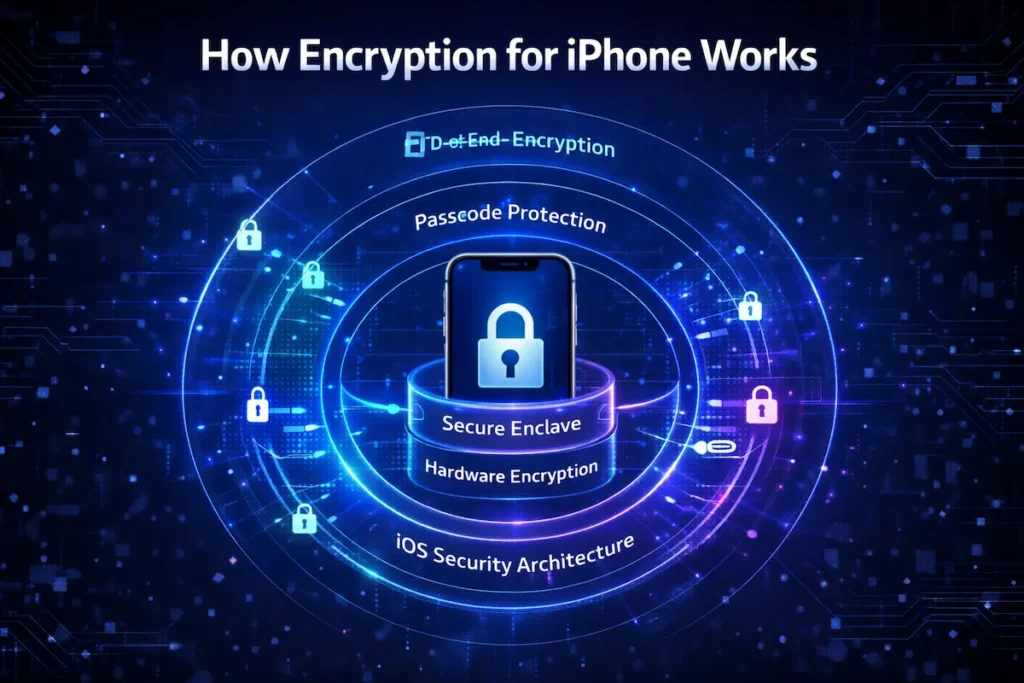
Understanding how encryption for iPhone functions under the hood helps you appreciate just how seriously Apple takes your security. The process involves multiple layers — software, hardware, and firmware — all working together.
Role of iOS Security Architecture
Apple’s iOS security architecture is designed from the ground up with encryption built in. When you set a passcode on your iPhone, iOS uses that passcode as part of a unique encryption key. This means the key is tied directly to your device and your input — it is never stored on Apple’s servers or transmitted anywhere. Every iPhone also has a unique hardware identifier called the UID that is fused into the chip during manufacturing. The combination of your passcode and the device UID creates the encryption key that locks your data.
Hardware-Based Encryption in iPhones
Unlike many Android devices that rely on software-only approaches, hardware-based encryption in iPhones happens at the chip level. Apple’s custom A-series and M-series chips contain dedicated encryption hardware called the AES engine. This engine encrypts and decrypts data in real time, so there is virtually no performance hit. Your iPhone is constantly encrypting everything as it is written to storage — automatically, instantly, and without you needing to do anything. This hardware encryption for iPhone is active from the moment the device boots.
File-Level Data Protection System
Apple goes even further with a system called Data Protection, which applies different levels of encryption for iPhone files based on how sensitive they are. There are four protection classes. The most secure class locks files even when the device is on but locked — a level called Complete Protection. Health data, mail messages, and sensitive app data typically fall under this level. Less critical files may be accessible while the device is locked. This layered approach means encryption for iPhone is not one-size-fits-all — it is intelligent and context-aware.
The Secure Enclave – Apple’s Secret Security Layer
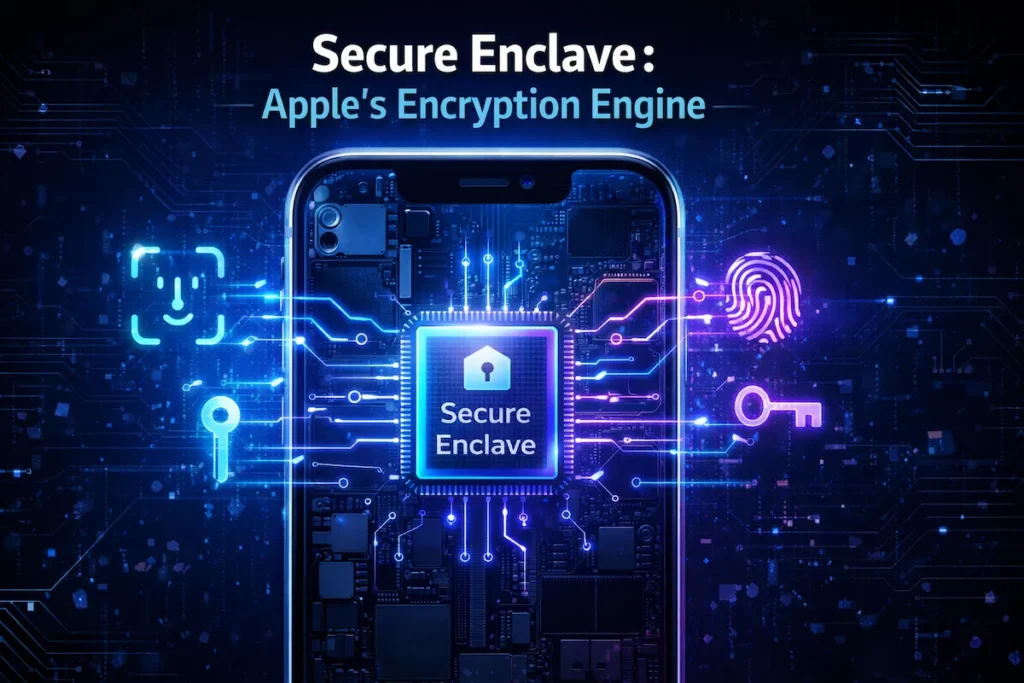
When discussing Apple encryption technology, one component stands out above the rest: the Secure Enclave. This is a dedicated coprocessor built directly into Apple silicon, and it plays a critical role in iPhone security encryption by handling the most sensitive cryptographic tasks independently from the main processor.
What Secure Enclave Does
The Secure Enclave iPhone chip is essentially a mini-computer within your iPhone that has its own isolated memory and boot process. It manages the encryption keys used to protect your data, but it never hands those keys to any other part of the system — not even to iOS itself. When a process needs to decrypt data, it sends a request to the Secure Enclave, which performs the operation and returns only the result. The encryption key never leaves the Secure Enclave.
How It Protects Face ID and Touch ID Data
Your biometric data — whether it is your fingerprint for Touch ID or your facial map for Face ID — is stored exclusively inside the Secure Enclave. This data is never uploaded to Apple’s servers or backed up to iCloud. It is encrypted using a key that exists only within that isolated chip. Even if someone reverse-engineered your device’s main storage, they would find no biometric data whatsoever. The Secure Enclave is how encryption for iPhone keeps your most personal identifiers completely private.
Why Secure Enclave Makes iPhone Hard to Hack
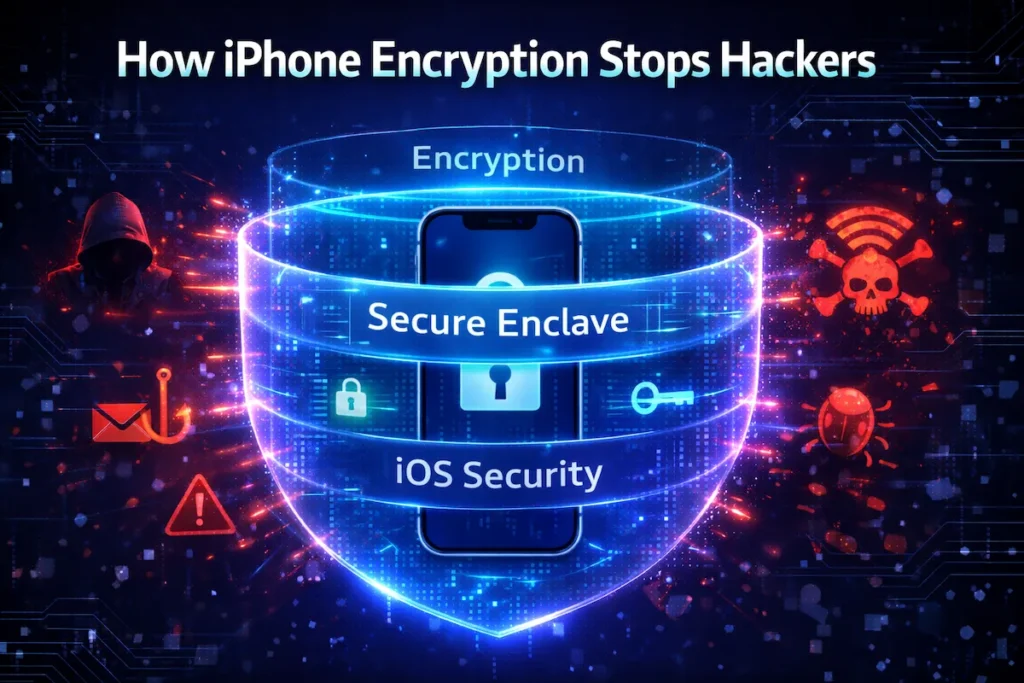
Traditional hacking methods attack the operating system or exploit software vulnerabilities. But the Secure Enclave runs its own software, has its own memory, and communicates through a very limited and tightly controlled channel. Brute-force attacks — where someone tries thousands of passcode combinations — are blocked at the hardware level with time delays and attempt limits enforced by the Secure Enclave itself. This is a big part of why iPhone encryption vs Android security comparisons often favor Apple when it comes to raw hardware-level protection.
End-to-End Encryption on iPhone Services
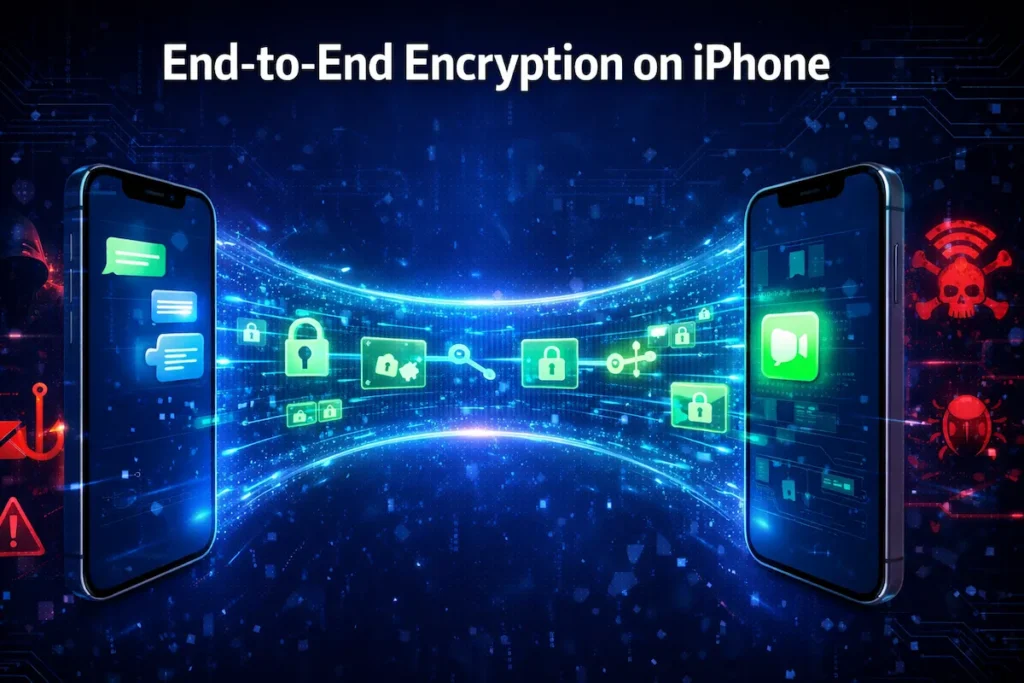
Beyond device storage, iPhone end-to-end encryption applies to many of Apple’s built-in communication services. This means that when you send a message or make a call, the data is encrypted on your device and can only be decrypted by the intended recipient — not even Apple can read it.
iMessage Encryption
iMessage is one of the most well-known examples of iPhone end-to-end encryption in everyday use. When you send a message to another Apple user, it is encrypted using keys that only your device and your recipient’s device hold. Apple facilitates the delivery but has absolutely no way to read the content. The messages show up as blue bubbles, and that blue means your conversation is protected by full encryption for iPhone messaging.
FaceTime Encryption
FaceTime calls are also protected by end-to-end encryption. Your audio and video are encrypted before leaving your device, and they can only be decrypted by the person on the other end. Apple cannot listen in on FaceTime calls, nor can any third party intercept the stream and make sense of it. This level of protection makes FaceTime one of the more secure video calling options available on any platform.
iCloud Keychain Protection
iCloud Keychain is Apple’s password manager, and it syncs your saved passwords and credit card details across all your Apple devices. It is protected by end-to-end encryption, which means the data is encrypted on your device before it ever reaches iCloud servers. Even Apple employees cannot access your stored passwords. This is a major reason why using iCloud Keychain is generally safer than many third-party alternatives that do not apply the same level of Apple encryption technology. If you also store sensitive data in cloud environments outside of Apple’s ecosystem, our guide on securing data in multi-cloud environments is worth reading alongside this one.
How to Enable Encryption for iPhone (Step-by-Step)
The good news is that enabling encryption for iPhone does not require any technical expertise. Most of it is automatic once you follow these straightforward steps. Here is exactly how to enable encryption on iPhone the right way.
Setting a Strong Passcode
The foundation of encryption for iPhone is your passcode. Go to Settings > Face ID & Passcode (or Touch ID & Passcode on older models) and tap Change Passcode. Choose a six-digit code at minimum, but ideally select Custom Alphanumeric Code and create a longer, more complex password. This passcode directly feeds into your encryption key, so the stronger it is, the stronger your protection. Avoid simple codes like 123456 or your birthday.
Turning On Data Protection
Here is something many iPhone users do not realize: Data Protection is automatically enabled as soon as you set a passcode. You can verify it is active by scrolling to the very bottom of your Touch ID/Face ID & Passcode settings screen — you will see a small message that says “Data protection is enabled.” If you see that message, your iPhone encryption settings are properly active and your files are being protected at the hardware level.
Enabling Two-Factor Authentication
Two-factor authentication (2FA) adds another security layer on top of encryption for iPhone. Go to Settings > [Your Name] > Sign-In & Security > Two-Factor Authentication and follow the prompts to turn it on. With 2FA enabled, even if someone knows your Apple ID password, they still cannot access your account without a verification code sent to a trusted device. This combination of 2FA and iPhone security encryption makes your overall Apple account nearly impenetrable.
What Data Is Encrypted on iPhone
Encryption for iPhone covers far more than just your messages. Almost everything stored on your device benefits from some level of protection through the iOS security system. Here is a breakdown of the key data types.
| Data Type | Protected by Encryption for iPhone | Notes |
|---|---|---|
| Photos & Videos | Yes | Encrypted using hardware keys |
| Messages (iMessage) | Yes | End-to-end encrypted |
| Face ID / Touch ID | Yes | Stored in Secure Enclave only |
| App Data | Yes | Protected using file-level encryption |
| SMS Messages | No | Controlled by mobile carrier |
Photos and Videos
Your entire photo library is encrypted on your iPhone using hardware-level protection. Even if someone removed the storage chips from your phone — which is extremely difficult to do on modern iPhones — the photos would be completely unreadable without the encryption keys tied to your device and passcode. When photos are backed up to iCloud, they are also encrypted in transit and at rest, though iCloud photos are not end-to-end encrypted by default unless you enable Advanced Data Protection.
Messages and Calls
As covered earlier, iMessages and FaceTime calls benefit from iPhone end-to-end encryption. Standard SMS text messages (the green bubbles) are not end-to-end encrypted, as they pass through your carrier. For maximum privacy, stick to iMessage or other end-to-end encrypted apps. Phone call audio over the cellular network is also not end-to-end encrypted, though Apple’s data encryption protects call logs stored on your device.
App Data and Files
Third-party apps that store data on your iPhone benefit from the file-level Data Protection encryption system. App developers can choose the protection class for their data, and most reputable apps use Complete Protection for sensitive information. Your banking apps, health apps, and email clients all store their data in encrypted form on your device. The iOS security system makes it very hard for one app to access another app’s encrypted data, thanks to sandboxing combined with encryption for iPhone.
Encryption for iPhone vs Android Security
The debate between iPhone and Android security is ongoing in the tech world. When it comes specifically to encryption for iPhone versus Android’s approach, there are some meaningful differences worth understanding.
Hardware vs Software Encryption
Apple’s approach integrates encryption directly into the custom silicon — every iPhone from the 5s onward has had dedicated encryption hardware including the Secure Enclave. Android devices vary widely. High-end Google Pixel phones and Samsung flagships offer hardware encryption and secure enclaves, but budget Android devices may rely on software encryption, which is generally considered less secure. Hardware-based iPhone security encryption provides a consistent baseline that is harder to bypass.
Security Update Differences
Apple controls both the hardware and software on every iPhone, which allows it to push security patches rapidly and simultaneously to all supported devices. When a critical vulnerability is found, Apple can fix it within days and deliver that update to hundreds of millions of iPhones at once. Android’s update process is fragmented — different manufacturers and carriers control when, or whether, their devices receive security patches. This timeliness difference means encryption for iPhone is regularly reinforced with the latest security improvements.
Privacy Philosophy
Beyond pure technology, Apple’s business model does not depend on harvesting your personal data for advertising. This philosophical difference has a real practical impact on how encryption for iPhone is designed — Apple has a strong financial incentive to make your data private and inaccessible to outsiders, including itself. Many in the security community argue this alignment of incentives makes Apple encryption technology more trustworthy in practice.
Pros and Cons of iPhone Encryption
No technology is perfect. Here is a balanced look at the advantages and limitations of encryption for iPhone:
| Pros | Cons |
|---|---|
| Automatic hardware encryption from setup — no technical steps required | If you forget your passcode, encrypted data may be permanently inaccessible |
| Secure Enclave protects biometric data (Face ID / Touch ID) at chip level | Advanced Data Protection for iCloud must be manually enabled; not on by default |
| End-to-end encryption on iMessage and FaceTime protects communications | Standard SMS and regular phone calls are not end-to-end encrypted |
| Rapid, consistent security updates across all supported iPhones | Law enforcement has successfully pressured Apple in some data handover cases |
| Strong privacy-first business philosophy supports encryption integrity | Third-party app encryption quality varies — not all apps use Complete Protection |
| Hardware AES encryption causes no noticeable performance slowdown | iCloud backups (without Advanced Data Protection) are accessible to Apple |
Common Myths About iPhone Encryption
There is a lot of misinformation floating around about encryption for iPhone. Let us clear up the most common misconceptions.
Myth: iPhones Cannot Be Hacked
Encryption for iPhone makes your device very hard to crack, but it does not make it impossible to hack. Sophisticated actors — including nation-state intelligence agencies — have, in rare cases, found and exploited vulnerabilities in iOS. Tools like Cellebrite and Pegasus spyware have demonstrated that no device is completely immune. The difference is that Apple patches these vulnerabilities quickly, and the difficulty of bypassing iPhone security encryption is far higher than for most competing platforms. But claiming iPhones are unhackable gives users a false sense of invulnerability.
Myth: Encryption Slows the Device
This was true in the early days of smartphone encryption, but it is no longer the case for iPhones. The dedicated AES encryption engine in Apple silicon handles all encryption for iPhone operations at hardware speed — meaning the encryption and decryption happens simultaneously with reading and writing data. There is no queue, no delay, and no measurable performance impact. Your iPhone runs just as fast whether encryption is active or not, which it always is.
Myth: Apple Can Read All Your Data
Apple has access to some of your data — specifically, iCloud backups that are not covered by Advanced Data Protection. However, content protected by iPhone end-to-end encryption, like iMessages and FaceTime calls, is genuinely inaccessible to Apple. The Secure Enclave iPhone chip ensures your biometric data never leaves your device. To maximize privacy, enabling Advanced Data Protection in iCloud settings extends end-to-end encryption to most iCloud data, including your backups, which then become inaccessible even to Apple.
Best Security Tips to Strengthen iPhone Encryption
You can take several practical steps to reinforce the encryption for iPhone that Apple provides by default. Here are the most effective ones:
- Use a strong alphanumeric passcode — at least 8 characters combining letters, numbers, and symbols. This directly strengthens your iPhone encryption settings.
- Enable Advanced Data Protection: Go to Settings > [Your Name] > iCloud > Advanced Data Protection and turn it on to extend end-to-end encryption to most iCloud data including backups.
- Keep iOS updated: Every software update often includes security patches that reinforce the underlying iOS security system and fix any encryption-related vulnerabilities.
- Enable two-factor authentication on your Apple ID to add a second barrier on top of encryption for iPhone.
- Use iMessage instead of SMS for private conversations, since iMessage provides full iPhone end-to-end encryption while SMS does not.
- Enable Find My iPhone and consider setting the auto-erase option after 10 failed passcode attempts for maximum data protection.
- Avoid jailbreaking your iPhone — jailbreaking removes critical security boundaries that the iOS security system relies on, effectively weakening or bypassing encryption protections.
- Be cautious with third-party apps: Check privacy labels in the App Store and avoid apps that request excessive data permissions. Not every app applies full encryption for iPhone data by default.
- For a broader look at how to protect your digital accounts and online data beyond your iPhone, our guide on cloud security tips for protecting your data online covers the next layer of protection you should have in place.
- If you manage a website in addition to your personal devices, hardening your online presence matters just as much as device security — our complete guide to securing a WordPress site is a practical companion resource.
Frequently Asked Questions (FAQs)
Q1: Is encryption for iPhone turned on automatically?
Yes. Encryption for iPhone activates automatically the moment you set a passcode on your device. Apple’s Data Protection system engages at the hardware level instantly — there is nothing you need to manually switch on. That said, to extend full protection to your iCloud backups, you should enable Advanced Data Protection separately inside your iCloud settings.
Q2: Can Apple unlock my iPhone data if law enforcement asks?
Apple cannot access content protected by iPhone end-to-end encryption — that includes iMessages, FaceTime calls, and anything secured by the Secure Enclave. However, Apple can hand over standard iCloud backup data to law enforcement if legally required. If you want to close that gap, enabling Advanced Data Protection makes even your iCloud backups end-to-end encrypted and inaccessible to Apple itself.
Q3: Does encryption for iPhone slow down my device?
Not at all. Encryption for iPhone runs through a dedicated hardware chip — the AES engine inside Apple silicon — that handles all encryption and decryption in real time. There is no processing delay, no battery drain, and no performance difference you will ever notice. Your iPhone is always encrypting data, and it does so invisibly and instantly.
Q4: What happens if I forget my iPhone passcode?
If you forget your passcode, you will not be able to access your encrypted data. Because the encryption key is tied to your passcode and device hardware, there is no backdoor — not even Apple can recover it for you. The only option is to erase the device and restore from a backup. This is why it is critical to keep your passcode somewhere secure and to maintain a current iCloud or iTunes backup.
Q5: How do I verify that encryption for iPhone is active on my device?
Go to Settings > Face ID & Passcode (or Touch ID & Passcode on older iPhones) and scroll all the way to the bottom of the screen. If you see the line that reads “Data protection is enabled,” your encryption is fully active. If that message is missing, it means no passcode has been set — simply adding one will immediately turn on Data Protection.
Q6: Is iPhone encryption stronger than Android encryption?
Most security experts consider encryption for iPhone to be among the strongest available in any consumer smartphone. Apple’s advantage comes from hardware integration — every iPhone has a dedicated Secure Enclave, a hardware AES engine, and a tightly controlled software update system. Android varies significantly by manufacturer, and budget devices in particular may not offer the same hardware-level protections. For a deeper look at how iPhone security compares feature by feature, our iPhone security features guide for 2026 breaks it down in full detail.
Q7: Does encryption protect my data when I back up to iCloud?
Partially — by default. Standard iCloud backups are encrypted in transit and at rest, but Apple holds a copy of the encryption key, which means it can technically access or hand over that data. To get true end-to-end encryption on your iCloud backups, you need to enable Advanced Data Protection. Once you do, even Apple cannot access your backed-up photos, messages, or device backups.
Q8: Can encryption for iPhone protect me from phishing or malware attacks?
Encryption for iPhone protects your stored data extremely well, but it does not protect you from phishing attacks, malicious apps, or social engineering. Encryption secures data at rest and in transit — it cannot stop you from voluntarily handing over your credentials to a fake website or installing a compromised app. That is why combining encryption with strong cybersecurity habits matters. Staying informed about how attacks happen is just as important — see our major cybersecurity incident analysis in 2026 for real-world examples of how even well-protected users get compromised.
Conclusion
Encryption for iPhone is not just a marketing talking point — it is a sophisticated, multi-layered security system that Apple has been refining for over a decade. From the hardware-level AES engine in Apple silicon to the Secure Enclave protecting your biometric data, from iMessage end-to-end encryption to file-level Data Protection, Apple has built privacy and security into the very foundation of every iPhone.
The best part? Most of it is automatic. The moment you set a passcode, encryption for iPhone springs into action. But as we have covered, there are additional steps — like enabling Advanced Data Protection, using strong passcodes, and keeping iOS updated — that can take your security from good to excellent.
Do not wait until something goes wrong to think about your iPhone’s security. Take five minutes today to review your iPhone encryption settings, enable two-factor authentication, and turn on Advanced Data Protection if you have not already. Your personal data is worth protecting, and with Apple’s encryption tools, you have everything you need to do exactly that.