
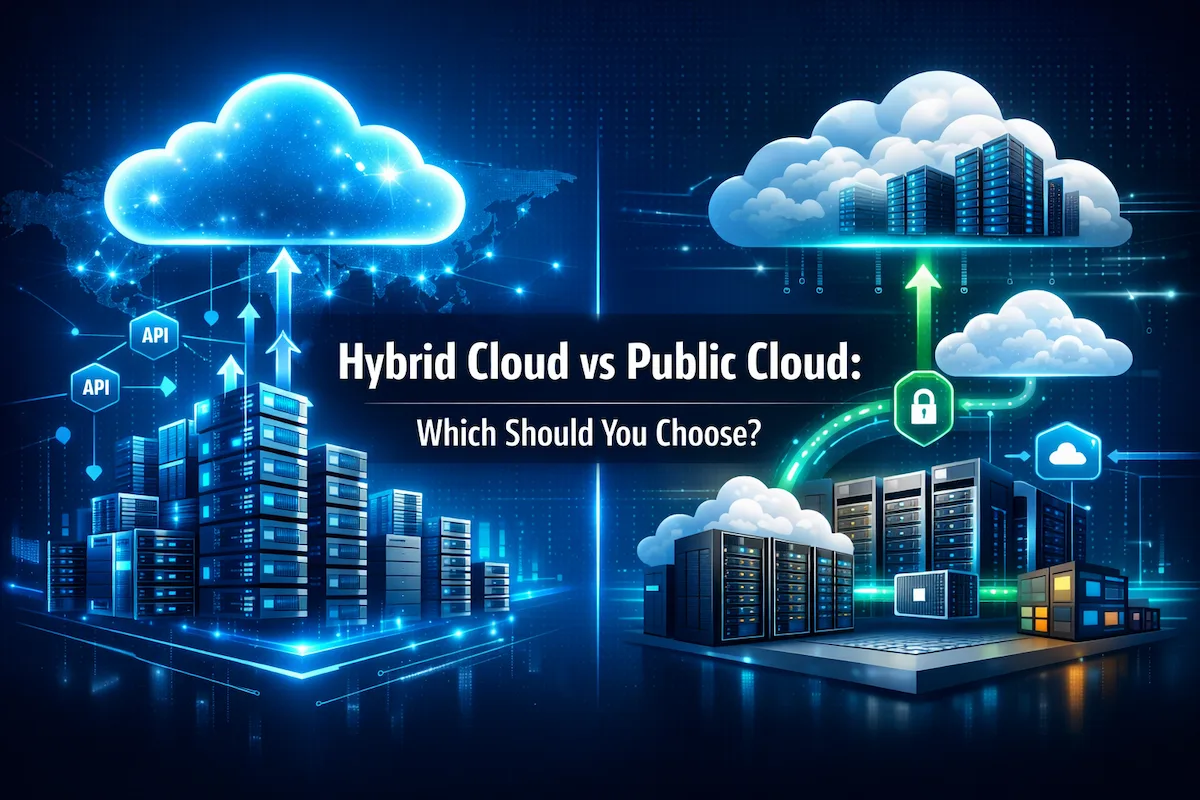
Choosing between hybrid cloud and public cloud isn’t about picking the “better” technology—it’s about matching your infrastructure to your business constraints. If you’re a CTO managing compliance requirements, a founder watching burn rate, or an IT manager juggling legacy systems, this decision directly impacts your budget, security posture, and operational agility.
This guide cuts through the marketing noise. You’ll get a clear comparison of hybrid cloud vs. public cloud across cost, security, performance, and management complexity—plus specific scenarios where each model makes sense for US businesses.
Quick Decision Framework
Choose Public Cloud if you:
- Are launching fast with unpredictable or rapidly growing workloads
- Don’t have dedicated cloud and infrastructure specialists on staff
- Need global reach across multiple regions without building data centers
- Want zero upfront capital investment in hardware
Choose Hybrid Cloud if you:
- Have strict data residency, compliance, or regulatory requirements
- Own infrastructure that is already paid off and underutilized
- Run steady baseline workloads that never turn off
- Need consistently low latency for critical on-premises systems
If you’re unsure, default to the public cloud first and build for portability. You can transition to hybrid later when the business case is clear.
What Is Hybrid Cloud?
A hybrid cloud combines private infrastructure—on-premises servers or dedicated hosted environments—with public cloud services, creating a unified environment where workloads move between platforms based on business rules. Think of it as running some applications in your own data center while using AWS, Azure, or Google Cloud for others, with orchestration tools connecting them.
Hybrid Cloud Architecture Explained
In a hybrid cloud vs. public cloud architecture comparison, hybrid environments use integration layers to connect disparate systems. Your private infrastructure might host a database with customer payment data, while your public cloud runs the customer-facing web application. An API gateway or cloud management platform handles authentication, data synchronization, and workload distribution.
The technical components typically include:
- Private layer: Physical servers you own or lease in a colocation facility, running virtualization platforms like VMware or OpenStack.
- Public layer: Resources from providers like AWS, Microsoft Azure, or Google Cloud Platform, accessed via standard APIs.
- Connectivity: VPN tunnels, dedicated network connections (AWS Direct Connect, Azure ExpressRoute), or SD-WAN linking your environments.
- Orchestration: Tools like Kubernetes, HashiCorp Terraform, or vendor-specific platforms that treat both environments as a single resource pool.
How Hybrid Cloud Works in Real Businesses
Hybrid cloud vs. public cloud deployments in practice solve specific, well-defined business problems. A healthcare company keeps patient records on-premises while running analytics in Google Cloud. An accounting firm bursts tax processing to Azure during peak season while keeping client data private year-round.
Your team defines workload placement policies—PII stays private, dev environments run public, and seasonal workloads burst to the cloud—and the orchestration layer enforces them automatically.
Key Benefits of Hybrid Cloud
Regulatory compliance made practical: You satisfy data residency requirements while still using global cloud services for non-sensitive workloads. Securing data across distributed environments becomes manageable with the right architecture in place.
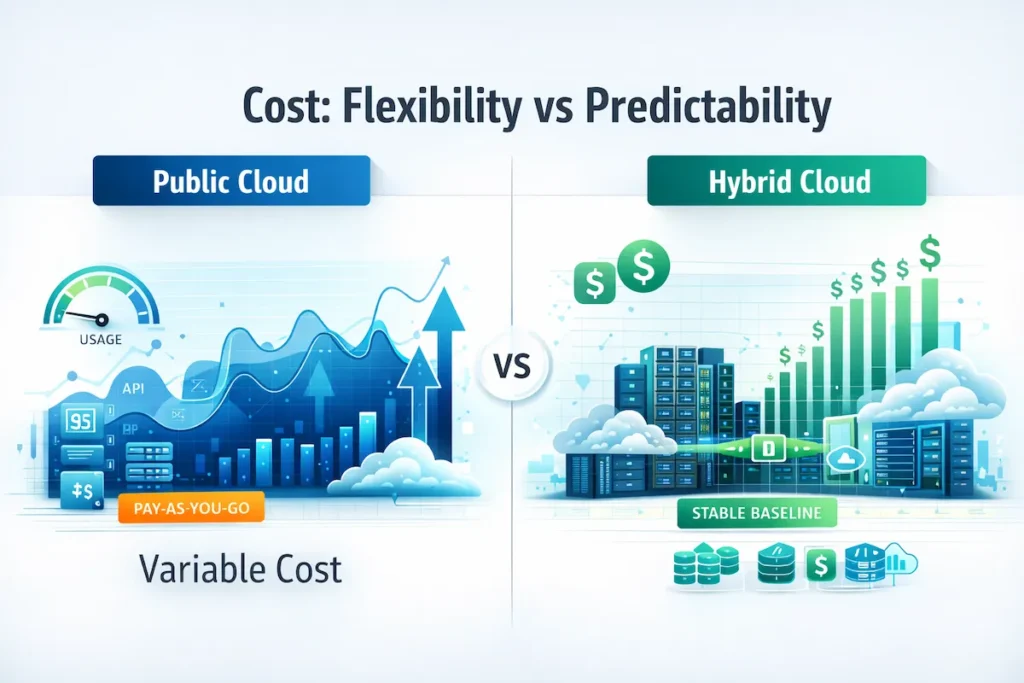
Cost optimization through workload matching: Run steady-state applications on private infrastructure you’ve already paid for while using public cloud pay-per-use pricing for variable demand. Public cloud is cost-efficient for variable usage; private capacity can be cheaper for steady, always-on baselines.
Leverage existing investments: That storage array you bought two years ago continues serving workloads instead of becoming stranded capital.
Data gravity control: When your data is large and constantly accessed, it’s cheaper and faster to move compute to the data rather than the other way around. With hybrid cloud, you choose where the database lives first and build everything else around it.
Limitations of Hybrid Cloud You Should Know
Complexity overhead: Managing hybrid cloud vs. public cloud environments means your team needs skills in VMware AND AWS, networking across both, security policies for both, and monitoring tools for both. Small teams get overwhelmed fast.
Integration costs add up: VPN connections, Direct Connect circuits, and orchestration platforms aren’t free. Budget $2K–$10K monthly for connectivity alone before counting management tools.
Slower provisioning: Provisioning a new environment in a pure public cloud takes minutes. Coordinating changes across private and public layers in a hybrid can take days.
Vendor lock-in multiplies: You’re locked into both your private infrastructure choices AND your public cloud provider’s APIs. Changing either one is expensive.
What Is Public Cloud?
Public cloud means renting computing resources from a provider who owns the physical infrastructure and shares it across many customers. You access servers, storage, and services through a web interface or API, paying only for what you consume—no hardware to buy or maintain.
Public Cloud Model Explained
In a public cloud, Amazon, Microsoft, or Google owns the data centers, servers, networking gear, and cooling systems. They handle hardware failures, security patches, and capacity planning. This multi-tenant model means your virtual machines run on shared physical servers, isolated by hypervisor technology.
One critical concept: the Shared Responsibility Model. The provider secures the physical infrastructure — the data center, hardware, and global network. You are responsible for securing your applications, data, access controls, and configurations. This division of responsibility is what auditors focus on during compliance reviews, and misunderstanding it is one of the most common and costly mistakes businesses make in cloud adoption.
Popular Public Cloud Providers in the US
- Amazon Web Services (AWS): The market leader, offering a very broad set of services across compute, storage, databases, security, and AI. Best for startups needing fast scaling and established enterprises wanting depth of service.
- Microsoft Azure: Tightly integrated with Windows Server, Active Directory, and Microsoft 365. The default choice for organizations already invested in the Microsoft ecosystem.
- Google Cloud Platform (GCP): Strong in data analytics (BigQuery) and container orchestration (Kubernetes). Appeals to engineering-driven and data-heavy companies.
Most hybrid cloud vs. public cloud strategies involve one of these three providers because they offer hybrid-specific connectivity services—Direct Connect, ExpressRoute, and Cloud Interconnect—that make integration practical.
Advantages of Public Cloud
Extreme scalability on demand: Launch 100 servers for a product launch, run them for 3 hours, and shut them down. You pay for what you use—not idle capacity sitting in a rack.
No capital expenditure: The hybrid cloud vs. public cloud financial difference is stark here. Public cloud converts fixed infrastructure costs into variable operating expenses.
Enterprise services without enterprise overhead: Managed Kubernetes, machine learning pipelines, and data warehouses—all available in minutes without hiring specialists or buying licenses.
Global reach by default: Deploy applications across multiple geographic regions from one console. Your private data center is in one location.
Public Cloud Drawbacks for Businesses
Cost unpredictability: Bills can spike sharply if developers over-provision, forget to shut down test environments, or underestimate data transfer costs. Without a FinOps process, public cloud waste compounds fast.
Egress fees accumulate quietly: Moving large volumes of data out of the public cloud—for analytics, backups, or migrations—carries real costs. Design your architecture to minimize frequent large data exports and keep compute close to the data where possible.
Compliance complexity in practice: Shared responsibility models confuse auditors. Avoiding common cloud security mistakes is essential for staying audit-ready and keeping your compliance posture intact.
Performance variance: Your VM shares physical hardware with other tenants. Occasional “noisy neighbor” issues can affect workloads, which doesn’t happen with dedicated private infrastructure.
Hybrid Cloud vs Public Cloud: Side-by-Side Comparison
Next, here’s the comparison that drives the decision for most teams.
Best for:
- Public Cloud → variable workloads, rapid scaling, global distribution
- Hybrid Cloud → steady baselines, compliance mandates, latency-sensitive systems
Upfront cost:
- Public Cloud → zero capital investment
- Hybrid Cloud → $50K–$500K+ for private infrastructure
Cost predictability:
- Public Cloud → variable, usage-based
- Hybrid Cloud → more predictable with private baseline; variable for cloud bursting
Compliance control:
- Public Cloud → shared responsibility; inherited certifications
- Hybrid Cloud → direct physical control of sensitive data
Scaling speed:
- Public Cloud → minutes via API
- Hybrid Cloud → instant for public components, weeks for private infrastructure expansion
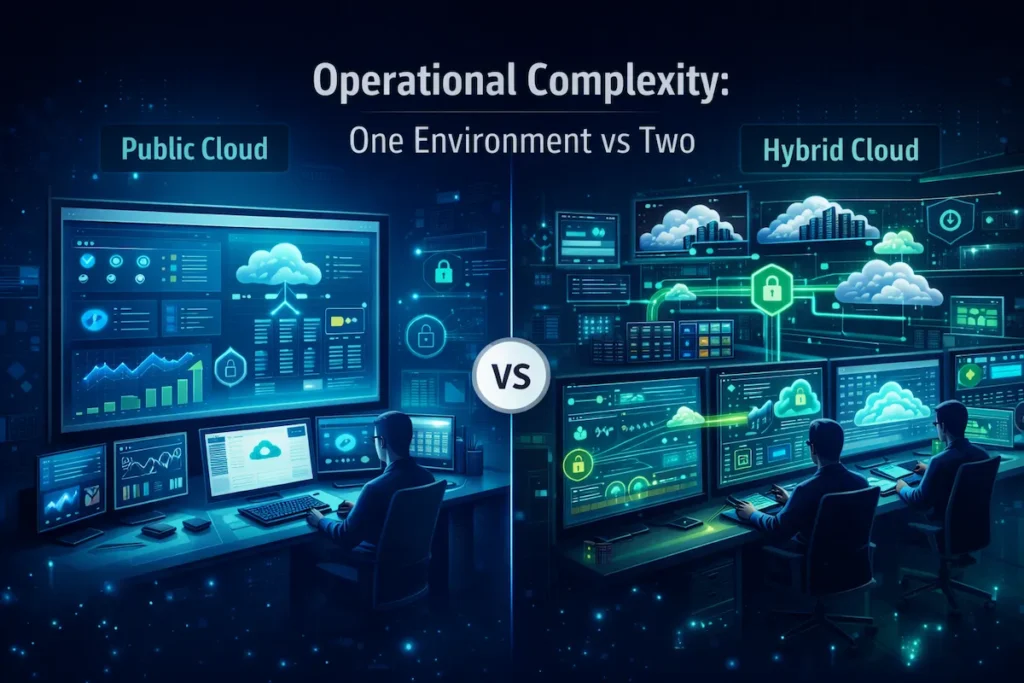
Ops complexity:
- Public Cloud → moderate; single-environment management
- Hybrid Cloud → high; requires dual-environment expertise
Cost Comparison: Hybrid Cloud vs Public Cloud
Hybrid cloud costs more upfront and operationally. However, for always-on workloads at scale, private infrastructure often starts to break even around 18–36 months when utilization is consistently high and workloads are stable and predictable.
A useful rule of thumb: evaluate hybrid seriously once your monthly public cloud spend on steady workloads consistently exceeds $5K–$10K. Below that threshold, the private infrastructure costs rarely amortize in a reasonable timeframe.
For variable workloads—seasonal spikes, unpredictable growth, product launches—public cloud is almost always cheaper. You avoid paying for idle capacity that sits unused between peaks.
Security and Compliance Comparison
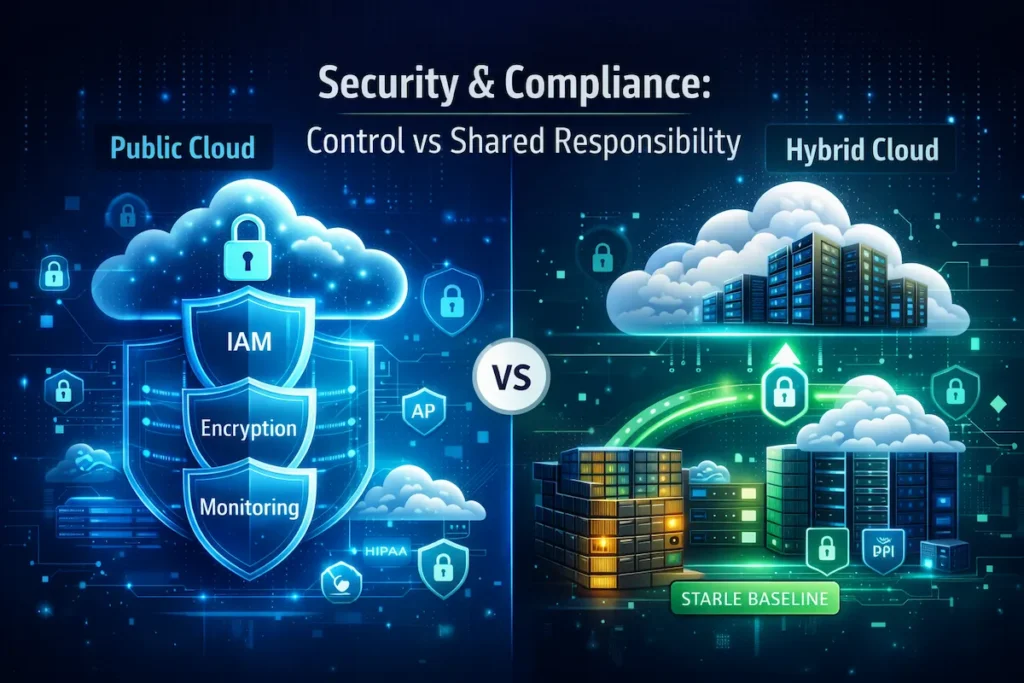
Data residency control: This is where hybrid cloud vs public cloud compliance becomes most clear-cut. Hybrid keeps sensitive data on private infrastructure you physically control, directly meeting requirements like HIPAA, CMMC, or ITAR that mandate specific data location.
Encryption across environments: Protecting data as it moves between private and public environments requires encrypted tunnels and strong key management. Advanced encryption strategies for cloud environments are essential to get right before workloads go live.
Access control complexity: Hybrid cloud vs public cloud identity management means synchronizing permissions across environments — on-premises Active Directory federated with Azure AD, for example — adding integration points that can break.
General security posture: Public cloud providers invest at a scale most businesses cannot match in infrastructure security, DDoS mitigation, and threat detection. Hybrid adds operational surface area that requires careful management. For either model, foundational cloud security practices significantly reduce your exposure.
Best practice: if you have genuine regulatory requirements, hybrid makes sense. If you’re citing vague “security concerns” to avoid public cloud without a specific compliance driver, you’re likely overengineering the solution.
Performance and Scalability Differences
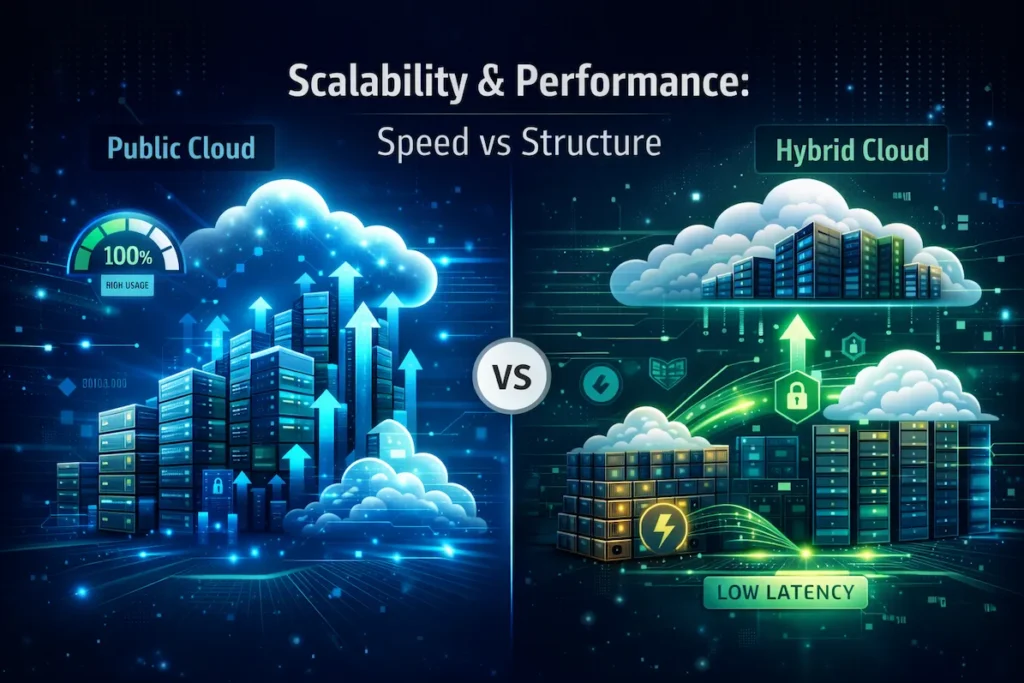
Latency for on-premises users: Applications hosted locally respond in under 5ms. The nearest public cloud region can add 20–60ms—a gap that’s hard to guarantee consistently if the workload depends on distant regions or real-time data from on-premises systems. For latency-sensitive applications like trading platforms or factory floor controls, this matters.
Data gravity: When large datasets are constantly accessed by applications, moving compute to the data is more efficient than moving data to compute. If you constantly sync data between private and public environments in a hybrid setup, that cost and latency compounds fast. Choose where your database lives first; everything else follows from that decision.
Scaling speed: Public cloud scales in minutes. Hybrid scales instantly for cloud components but takes weeks for private infrastructure—ordering servers, racking, configuring. Plan private capacity expansions 6–12 months out.
Management and Operational Complexity
Skill requirements: Hybrid cloud vs public cloud operations require cloud-native skills AND traditional data center expertise—VMware, enterprise networking, storage administration. That’s a hard combination to hire for in most US markets.
Disaster recovery: Hybrid cloud vs public cloud DR means maintaining separate backup strategies for private and public environments and testing failover across both. A well-designed cloud backup and disaster recovery plan is non-negotiable for business continuity regardless of your cloud model.
Team size impact: A small IT team can manage pure public cloud infrastructure effectively. The same teammanaging a hybrid deployment spends significant time on integration, coordination, and maintenance— time that doesn’t go toward product work.
Common Mistakes to Avoid
When evaluating hybrid cloud vs public cloud, businesses consistently make these errors:
Treating hybrid as “safer by default”: Hybrid isn’t inherently more secure — it’s more complex. Security depends on implementation, not architecture choice.
Ignoring data gravity: Moving databases to public cloud without analyzing data transfer costs and access patterns creates unexpectedly expensive architectures.
Skipping IAM and least-privilege planning: Access control gaps are far more expensive to fix after workloads are live. Build your identity framework first.
No FinOps process: Without active cost management, you pay for idle private capacity AND over-provisioned public cloud simultaneously — worse than either model alone.
Migrating everything for “cloud transformation”: Not all workloads benefit from migration. Evaluate each application’s specific requirements before moving it.
Vendor Lock-In: A Practical Reality Check
Both hybrid cloud vs public cloud models carry lock-in risks. Mitigate them by using Terraform or IaC tools for portable infrastructure definitions, preferring containers where portability matters, avoiding heavy reliance on provider-only services before you’ve validated ROI, and keeping data in open formats (standard SQL, Parquet). Proprietary data formats are the deepest and most expensive form of lock-in to escape.
Hybrid Cloud vs Public Cloud for Different Business Types
Hybrid Cloud vs Public Cloud for Small Businesses
Under 50 employees: Public cloud is almost always the right starting point. You need cloud-native agility without the overhead of managing private infrastructure. Enterprise-grade capabilities from AWS, Azure, or GCP are accessible without a large IT team.
50–200 employees: The hybrid cloud vs public cloud decision becomes viable here—but only if you have at least 3 dedicated IT staff with both cloud and infrastructure experience, and your steady monthly cloud spend is consistently high. Otherwise, the operational overhead eats the savings.
Hybrid Cloud vs Public Cloud for Enterprises
500+ employees with existing data centers: Hybrid lets you extend existing infrastructure investments while adopting cloud services for innovation. Keep ERP systems on private infrastructure for performance and licensing reasons while running customer-facing properties in public cloud.
For enterprises adding multi-cloud alongside hybrid, securing data across multi-cloud environments becomes a critical operational capability from day one.
Hybrid Cloud vs Public Cloud for Regulated Industries
Healthcare (HIPAA): Organizations handling protected health information must comply with the Health Insurance Portability and Accountability Act (HIPAA). Keep PHI on compliant infrastructure and run analytics on de-identified data in public cloud for cost efficiency.
Financial services (PCI-DSS, FINRA): Payment processing stays in PCI-compliant environments. Marketing and customer service apps run in public cloud — reducing your overall compliance audit scope.
Government contractors (CMMC, ITAR): Organizations working with the U.S. Department of Defense must comply with the Cybersecurity Maturity Model Certification (CMMC) framework, while companies handling defense-related export data must meet requirements under the International Traffic in Arms Regulations (ITAR). In hybrid cloud vs public cloud architectures, regulated workloads are often isolated on tightly controlled private infrastructure, while unclassified systems operate in public cloud environments.
When Should You Choose Hybrid Cloud?
Hybrid cloud vs public cloud becomes a clear “choose hybrid” decision in specific scenarios where neither pure model meets all your requirements.
Real-World Hybrid Cloud Use Cases
Legacy application modernization: A regional bank runs 15-year-old loan processing software that can’t easily move to public cloud, but wants to build modern mobile banking features with cloud-native services. Hybrid cloud vs public cloud here means privately hosting the legacy core while building new APIs and front-ends in AWS — modernizing the customer experience without rewriting everything.
Seasonal burst capacity: An accounting firm handles baseline processing year-round on owned servers but needs significantly more capacity for three months during tax season. Private infrastructure handles the steady baseline; public cloud handles the burst — potentially reducing peak-capacity spend when automation and workload scheduling are set up properly.
Edge computing with cloud analytics: A manufacturer needs consistently fast response times for factory floor equipment — a guarantee that’s hard to deliver over the public internet to a distant cloud region. Edge servers handle real-time control locally; data replicates to public cloud for machine learning and analytics when connected.
When Is Public Cloud the Better Choice?
Now let’s look at where public cloud fits best.
Real-World Public Cloud Use Cases
Startups with no infrastructure: Spending capital on servers before you have customers is a strategic mistake. Public cloud lets you launch in days, scale with demand, and shut everything down if the product fails — paying only for what you used.
Unpredictable growth: A mobile gaming company launching a new title might reach 1,000 or 1,000,000 users—and they won’t know until release. Public cloud handles this hybrid cloud vs public cloud scaling uncertainty better than any private infrastructure plan can.
Development and testing environments: Dev teams need environments that exist for days or weeks, then disappear. Dedicated hardware for ephemeral workloads is economically indefensible. Public cloud approach: spin up, test, destroy—at a fraction of the cost of maintaining idle servers.
Hybrid Cloud vs Public Cloud Decision Checklist
Budget Considerations
Can you invest $50K–$500K upfront in private infrastructure? If not, public cloud is your practical path. Is your steady-state monthly cloud spend consistently above $5K–$10K? If yes, run the hybrid ROI calculation over 24–36 months. Have you accounted for hybrid hidden costs — connectivity ($2K–$10K/month), orchestration tools, and the additional IT staff time required?
Security and Compliance Needs
Do you handle HIPAA, PCI-DSS, ITAR, or CMMC-regulated data? If yes, list your specific residency, encryption, and audit requirements before choosing a model. Does regulated data represent a small subset of total workloads? Hybrid lets you isolate it while using public cloud for everything else. Are public cloud certifications (SOC 2, ISO 27001) sufficient for your compliance program? If yes, public cloud often simplifies audits.
IT Skills and Resources
- 1–2 IT staff: Public cloud only. Hybrid is not operationally viable at this size.
- 3–5 staff: Public cloud preferred unless you have a specific, well-defined hybrid use case with dual-environment expertise.
- 6+ specialized staff: Hybrid becomes viable when business requirements justify the investment.
Hybrid cloud vs public cloud always adds operational overhead due to dual-environment management. Budget for it honestly.
Long-Term Scalability Goals
- Is your growth steady and predictable? Hybrid capacity planning is feasible with 6–12 month lead times.
- Are you expanding to multiple geographic regions? Public cloud’s global availability dominates at scale.
- Do you need rapid adoption of AI/ML, containers, or serverless services? Public cloud ships new capabilities continuously.
FAQs About Hybrid Cloud vs Public Cloud
Is hybrid cloud more expensive than public cloud?
It depends on workload patterns. Hybrid costs more upfront and requires more operational investment. For steady 24/7 workloads at scale, hybrid can break even around 18–36 months when utilization is high. Small businesses under 50 employees typically find public cloud cheaper once management overhead is factored in.
Which is more secure: hybrid cloud or public cloud?
Neither is inherently more secure — security depends entirely on implementation. Public cloud providers invest at a scale most companies can’t match in infrastructure protection. Hybrid gives you physical control over sensitive data but expands your attack surface across two environments. Either model needs a disciplined security program to be effective.
Can small businesses benefit from hybrid cloud?
Rarely in the true sense. Small businesses typically lack the IT staff to manage hybrid complexity. A simplified version — public cloud for applications, on-premises NAS for file storage — can work with minimal integration, but true hybrid architectures with workload orchestration need 3+ dedicated staff to operate well.
What’s the difference between hybrid cloud and multi-cloud?
Hybrid cloud vs public cloud involves combining private infrastructure with public cloud services. Multi-cloud means using multiple public cloud providers (AWS + Azure + GCP) without necessarily having private infrastructure. Hybrid addresses where workloads run. Multi-cloud addresses which vendors you use. They solve different problems.
How do I migrate from public cloud to hybrid cloud?
Start by identifying applications suited for private infrastructure — steady utilization, latency-sensitive, or compliance-driven. Size private infrastructure for those specific workloads, establish connectivity, then migrate gradually over 6–12 months. Validate the ROI carefully before committing; the migration cost often exceeds projections.
Does hybrid cloud work with all public cloud providers?
Yes, but integration ease varies. AWS, Azure, and GCP all offer hybrid-specific services (Outposts, Azure Stack, Anthos) that simplify management. Provider-agnostic tools like Terraform and Kubernetes give you more flexibility at the cost of more setup work.
The Bottom Line
The hybrid cloud vs public cloud decision comes down to three honest questions:
- Do you have real compliance, latency, or workload requirements that public cloud can’t satisfy cost-effectively? If yes, design hybrid intentionally — not as a default.
- Do you have the IT staff, budget, and operational discipline to manage two environments well? If not, hybrid will cost more and deliver less than it promises.
- Are you unsure? Start with public cloud, build your applications for portability using containers and infrastructure-as-code, and keep hybrid as a future option you can execute when the business case is genuinely there.
Most US businesses under 100 employees should default to public cloud. Larger enterprises with steady high-volume workloads, real regulatory requirements, or existing data center investments will find hybrid provides a practical path to cloud benefits without abandoning working infrastructure.
The worst decision is the one made without analyzing your actual workloads, costs, and compliance needs. Run the numbers specific to your business before committing to either model.